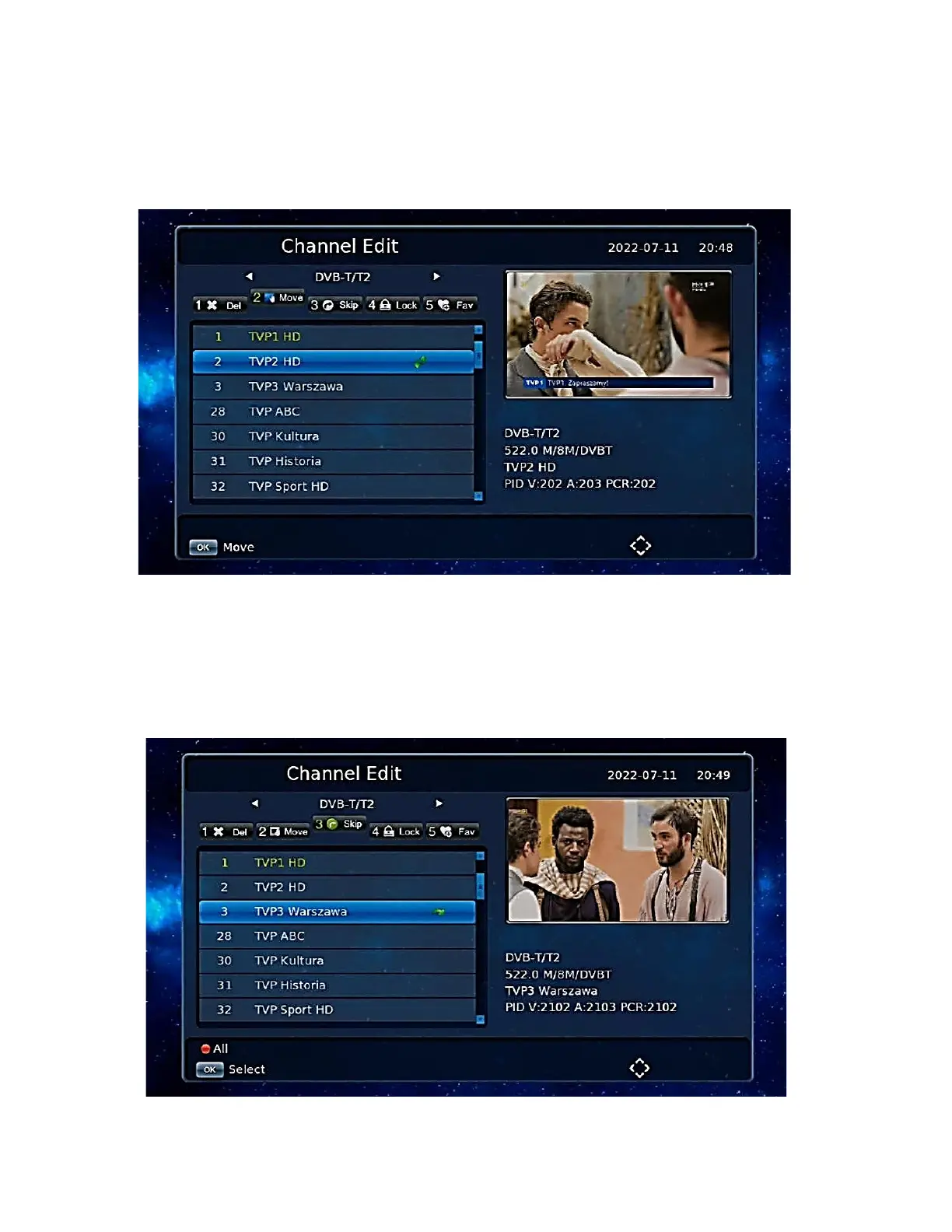
Move channels
Press the [2] Move button on the screen to enter move mode.
The selected channel will have a move marker, press [GREEN BUTTON] to select multiple
channels, now move the channels to the selected position and then press [OK].To set the list of
channels in your own order, disable the LCN setting first.
Skip Channels
Press the [3] Skip button on the screen to enter the channel skip setting mode. Select the channel to
skip by pressing [OK]. Channels set to skip will not appear in the stored channel list.


 To Next Page