You can also access this window by simply double-clicking the machine icon ( ) in the Windows task bar.
You can also cancel the current job by pressing
on the control panel.
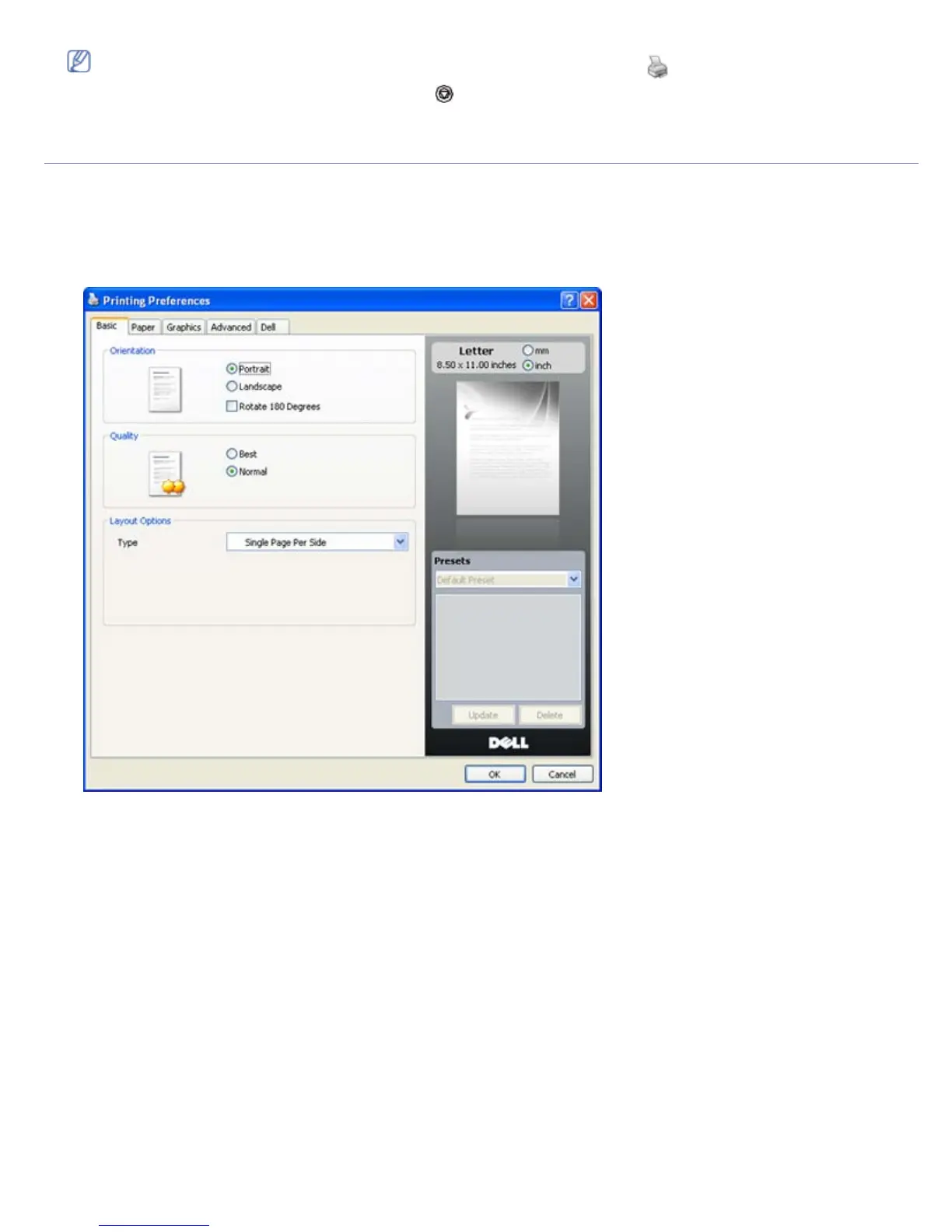
Opening printing preferences
You can preview the settings you selected on the upper right of the Printing Preferences.
1. Open the document you want to print.
2. Select Print from the file menu. The Print window appears.
3. Select your machine from the Select Printer.
4. Click Properties or Preferences.
Using a favorite setting
The Presets option, which is visible on each preferences tab except for Dell tab, allows you to save the current
preferences settings for future use.
To save a Presets item:
1. Change the settings as needed on each tab.
2. Enter a name for the item in the Presets input box.



 To Next Page