2. Open and close the front cover to resume printing.
Inside the machine
Click this link to open an animation about clearing a jam.
The fuser area is hot. Take care when removing paper from the machine.
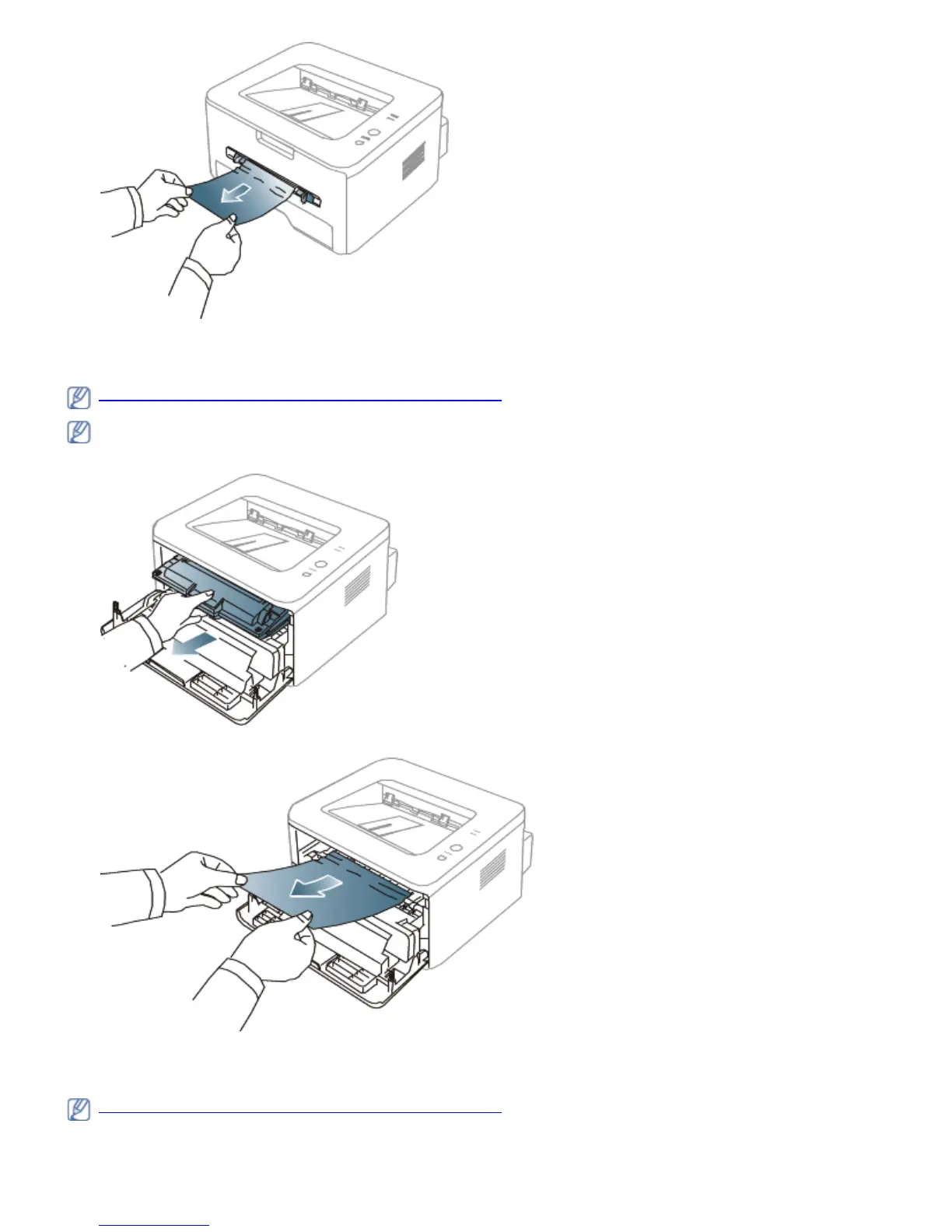
1. Open the front cover and pull the toner cartridge out, lightly pushing it down.
2. Remove the jammed paper by gently pulling it straight out.
3. Replace the toner cartridge and close the front cover. Printing automatically resumes.
In exit area
Click this link to open an animation about clearing a jam.
1. Open and close the front cover. The jammed paper is automatically ejected from the machine.
If you do not see the jammed paper, go to next step.



 To Next Page