Setting Up Your Monitor: Dell 1908WFP Flat Panel Monitor User's Guide
file:///T|/htdocs/monitors/1908WFP/en/ug/operate.htm[10/31/2012 11:34:21 AM]
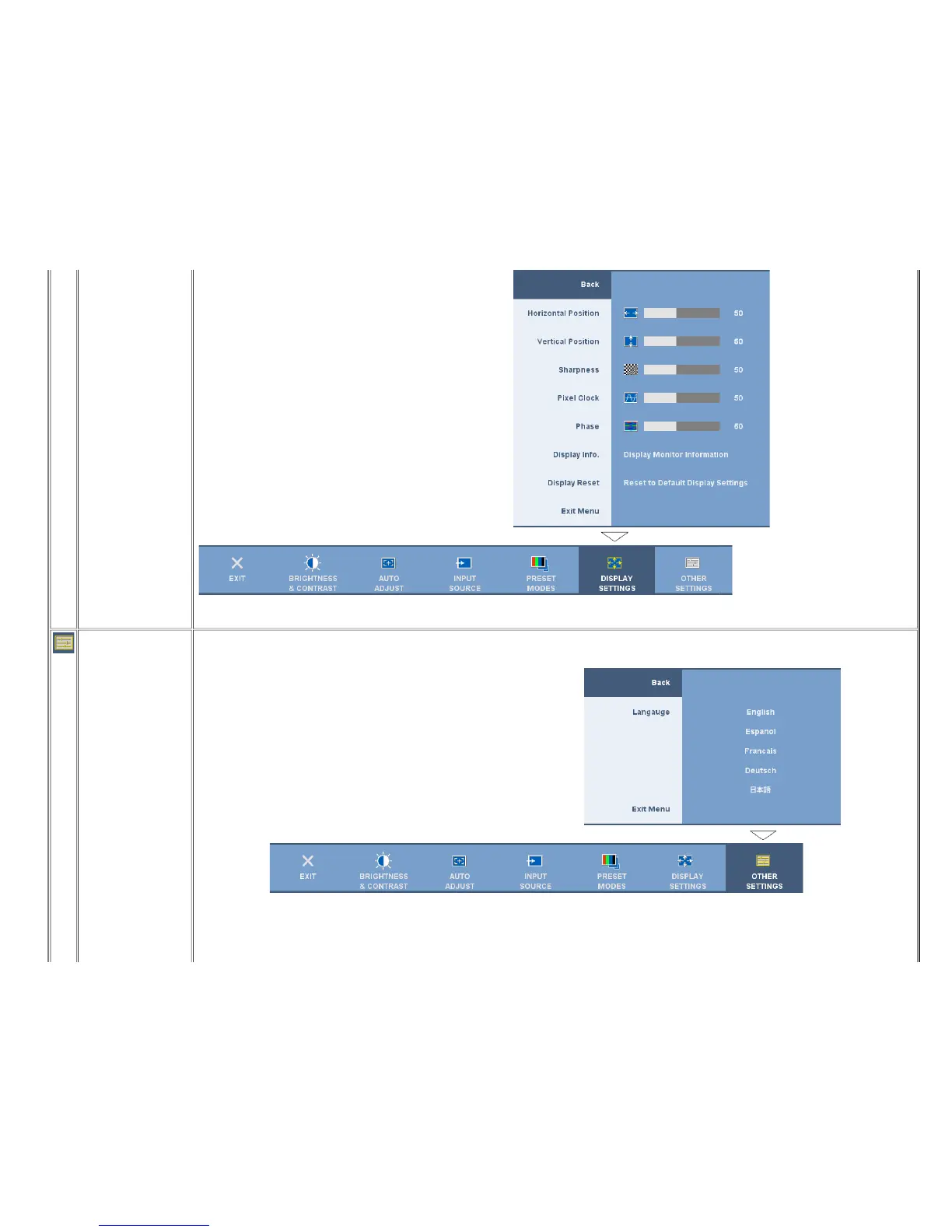
Display Reset
Select this option to dispiay monitor information such as Source, Resolution and Optimum Resolution.
Select this option to restore default display settings.
OTHER SETTINGS:
Language
Menu Transparency
Select this option to adjust the settings of the OSD, such as, the location of the OSD, the amount of time the menu remains on screen, and the rotation of the OSD, and so on.
Select this option to choose the languages (English, French, Spanish, German, or Japanese) of OSD display.
NOTE: The change only affects the OSD. It has no effect on any software running on the computer.
Select this option to change the menu transparency by pressing the - and + buttons (Minimum: 0 ~ Maximum: 100).












 To Next Page