Operating your monitor │ 63
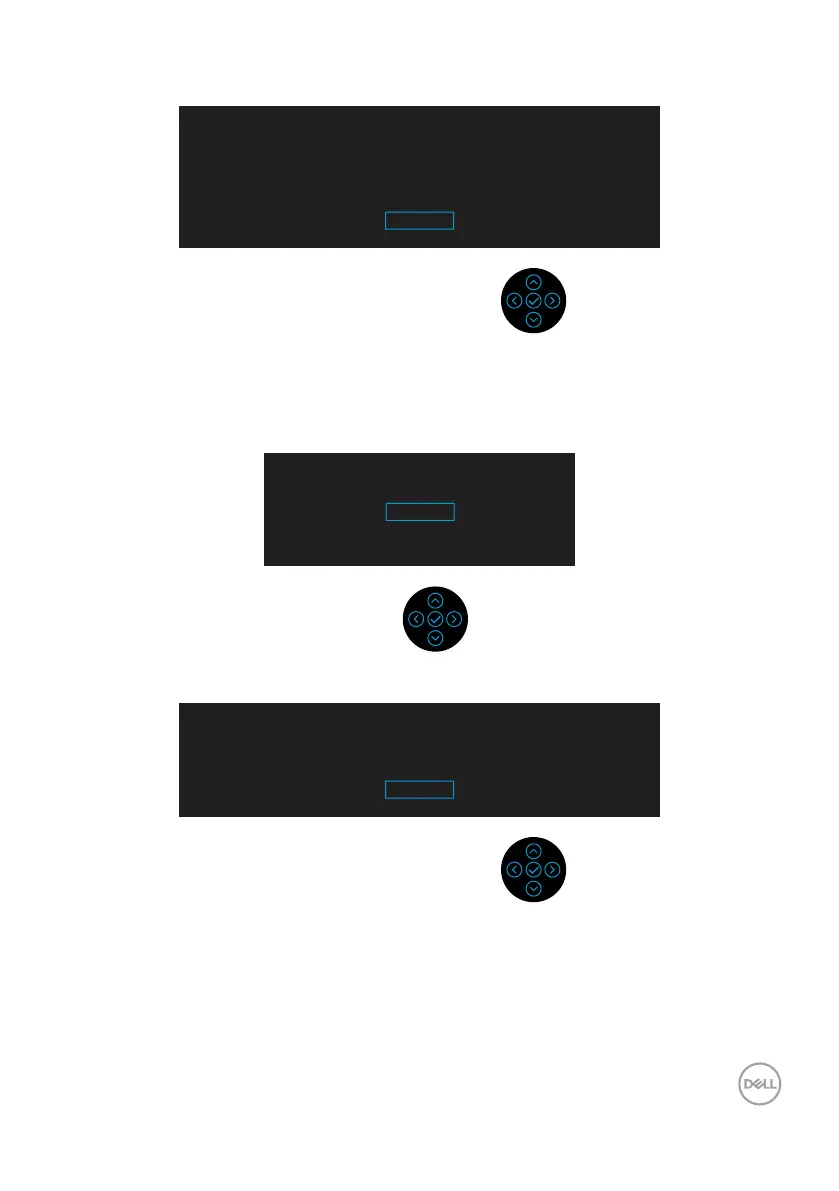
The following Power Warning Message box applies to Brightness functions for the first
time when you adjust the Brightness level above the default level.
Adjusting to this value will increase power consumption above the
default level. Do you want to continue?
Yes
No
A message is displayed while the cable supporting DP alternate mode is connected to
the monitor under the following conditions:
• When Auto Select for USB-C is set to Prompt for Multiple Inputs.
• When the USB-C cable is connected to the monitor.
Switch to USB-C Video Input
Yes
No
When Factory Reset is selected, the following message appears:
Are you sure you want to reset to default settings?
Yes
No


 To Next Page