
 Need help?
Do you have a question about the Dell 2407WFP and is the answer not in the manual?
Provides general model, screen type, dimensions, pixel pitch, and contrast.
Lists resolution capabilities and supported video input modes.
Shows pinout details for VGA, DVI, S-Video, and Composite connectors.
Provides detailed instructions for cleaning and maintaining the monitor.
Step-by-step guide on how to attach the monitor stand.
Explains the function of each front panel button for adjustments.
Details how to access and navigate the On-Screen Display menus.
Focuses on self-test feature check for monitor functionality.
Important safety precautions for using the monitor.
 General
| Screen Size | 24 inches |
|---|---|
| Resolution | 1920 x 1200 |
| Panel Type | S-PVA |
| Aspect Ratio | 16:10 |
| Brightness | 450 cd/m² |
| Contrast Ratio | 1000:1 |
| Viewing Angles | 178° horizontal, 178° vertical |
| USB Ports | 4 x USB 2.0 |
| HDCP Support | Yes |
| Adjustability | Height, Tilt, Swivel, Pivot |
| VESA Mount | 100 x 100 mm |
| Response Time | 6 ms (gray to gray) |
| Inputs | VGA, DVI-D, S-Video, Composite, Component |





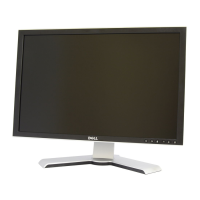
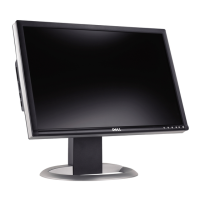




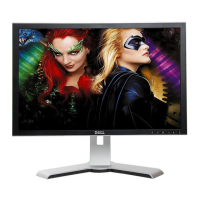

 To Next Page
