Contact Us
Shop
Services & Warranties
Support
Resource Center Account
Keyword Search
You are here: Dell USA > Support Home Page
My Account My Order Status
Back to Contents Page
Using Your Adjustable Monitor Stand
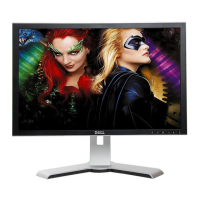
Dell 2407WFP Flat Panel Monitor
Attaching the Stand
Organizing Your Cables
Using the Tilt, Swivel and Vertical Extension
Removing the Stand
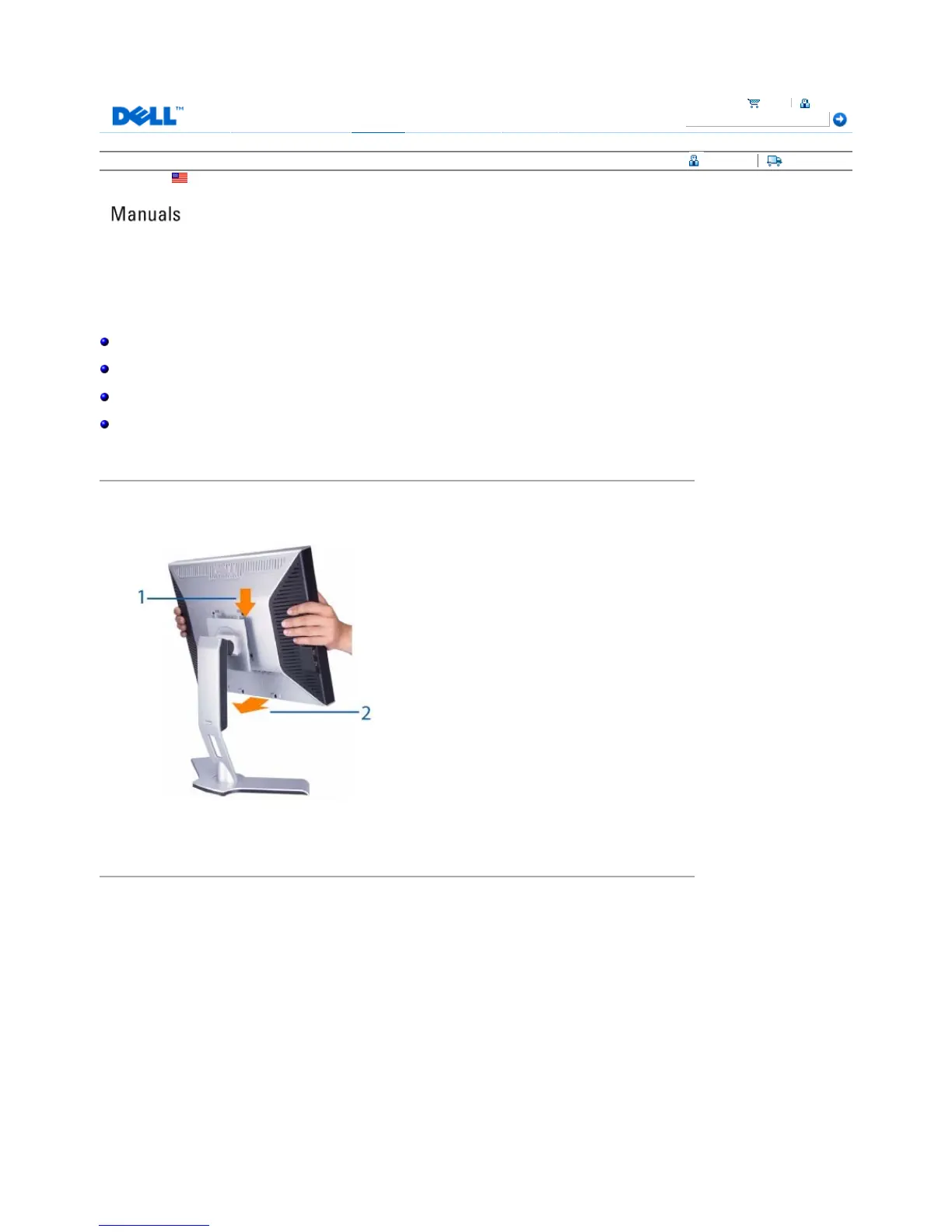
Attaching the Stand
1. Place the stand on a flat surface.
2. Fit the groove on the back of the monitor onto the 2 tabs of upper stand.
3. Lower the monitor so that the monitor mounting area snaps on or locks to stand.
Organizing Your Cables
Cart Sign In
Technical Support Customer Service Warranty Information Dell Forums Contact Us
Pa
e 1 of 4Documentation
12/10/2007htt
://su
ort.dell.com/su
ort/edocs/monitors/2407WFP/en/stand.htm











 To Next Page