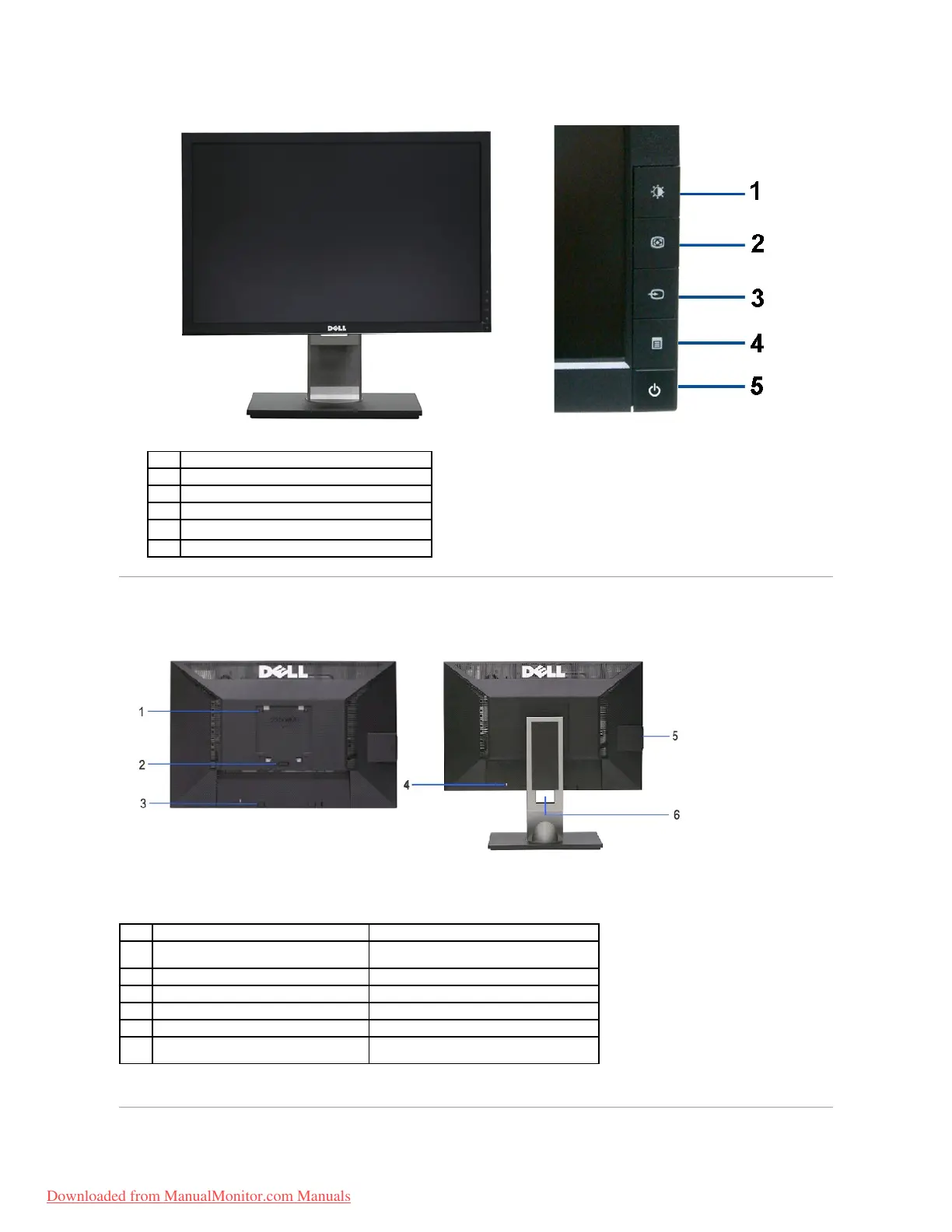
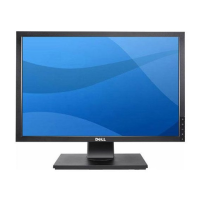
Frontpanelcontrols
Power (with power light indicator)
Back view with monitor stand
VESA mounting holes (100mm x 100mm -
behind attached base plate)
Wall mount monitor using VESA compatible wall
mount kit (100mm x 100mm)
Release stand from monitor.
Dell Soundbar mounting brackets
Attaches the optional Dell Soundbar.
Secures monitor with security cable lock
Help locating regulatory and barcode labels
Organizes cables by placing them through the
slot.
Downloaded from ManualMonitor.com Manuals


 To Next Page