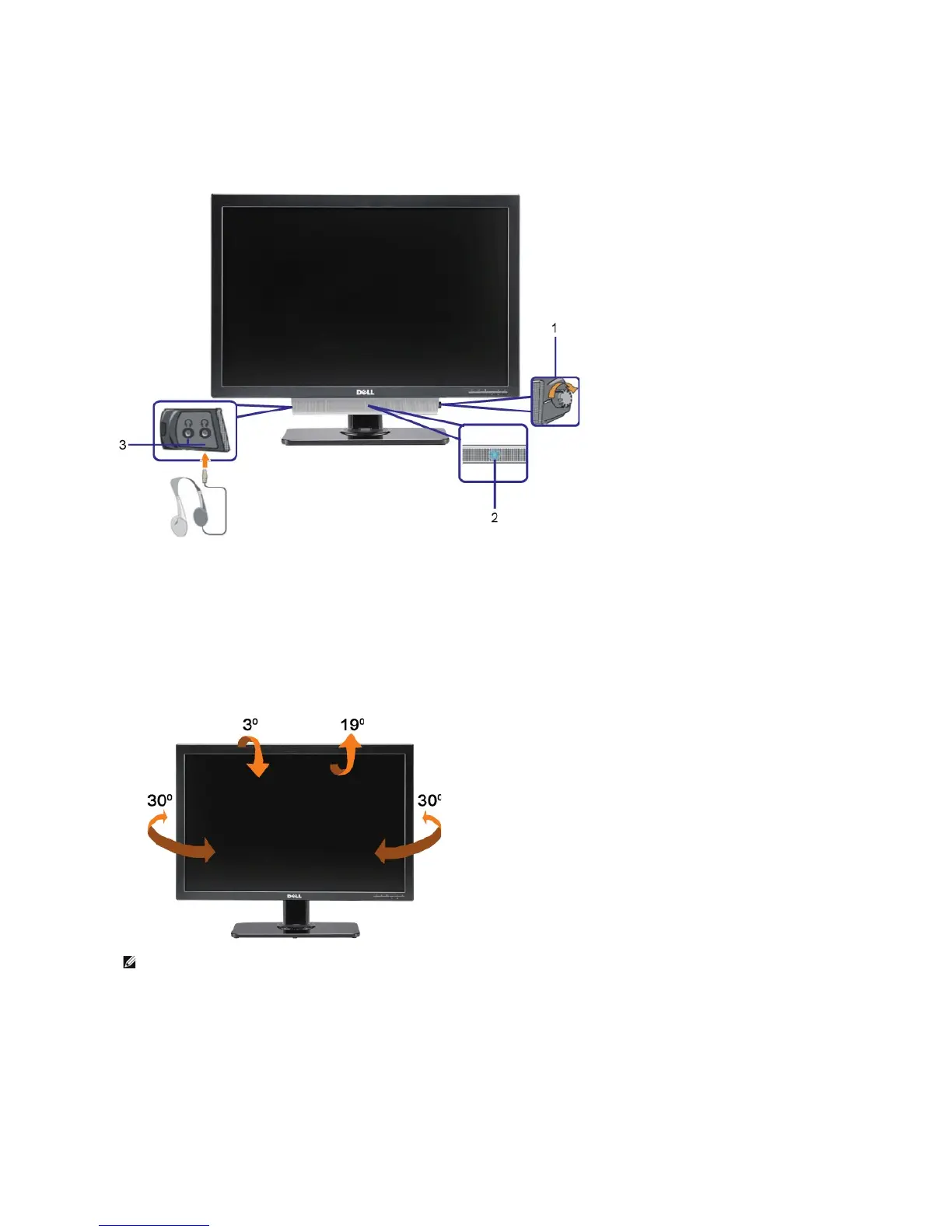
Using the Dell Soundbar (Optional)
The Dell Soundbar is a stereo two channel system adaptable to mount on Dell Flat Panel Displays. The Soundbar has a rotary volume and on/off control to
adjust the overall system level, a blue LED for power indication, and two audio headset jacks.
Using the Tilt, Swivel, and Vertical Extension
Tilt/Swivel
With the built-in stand, you can tilt and/or swivel the monitor for the most comfortable viewing angle.
Vertical Extension
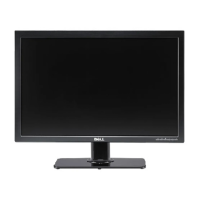
The stand extends vertically up to 90mm. The figure below illustrates how to extend the stand vertically.








 To Next Page