Loading Paper 17
Loading Envelopes
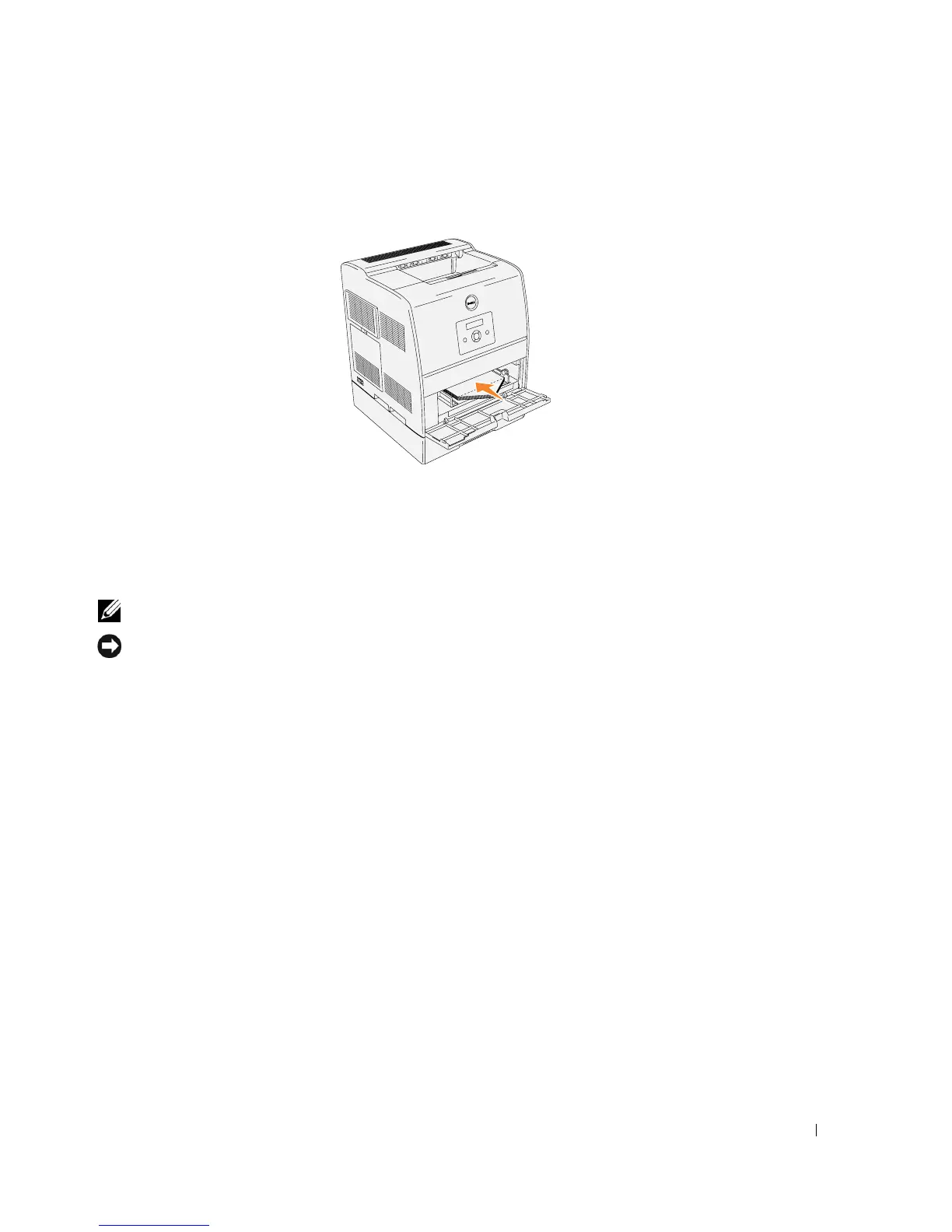
To load envelopes that are under 7.87 inches (220 mm) in width in the multipurpose feeder, insert
the envelopes with the flaps open and toward the front of the printer. To load envelopes that are
over 7.87 inches (220 mm) in width in the multipurpose feeder, insert the envelopes with the flaps
closed and the short-edge of the envelopes facing into the printer. You can load envelopes up to the
maximum fill line in the tray at one time.
NOTE: Make sure set the envelope flaps are completely unfolded.
NOTICE: Never use envelopes with windows, coated linings, or self-stick adhesives. These lead to
paper jams and damage to the printer.














 To Next Page