Maintenance 47
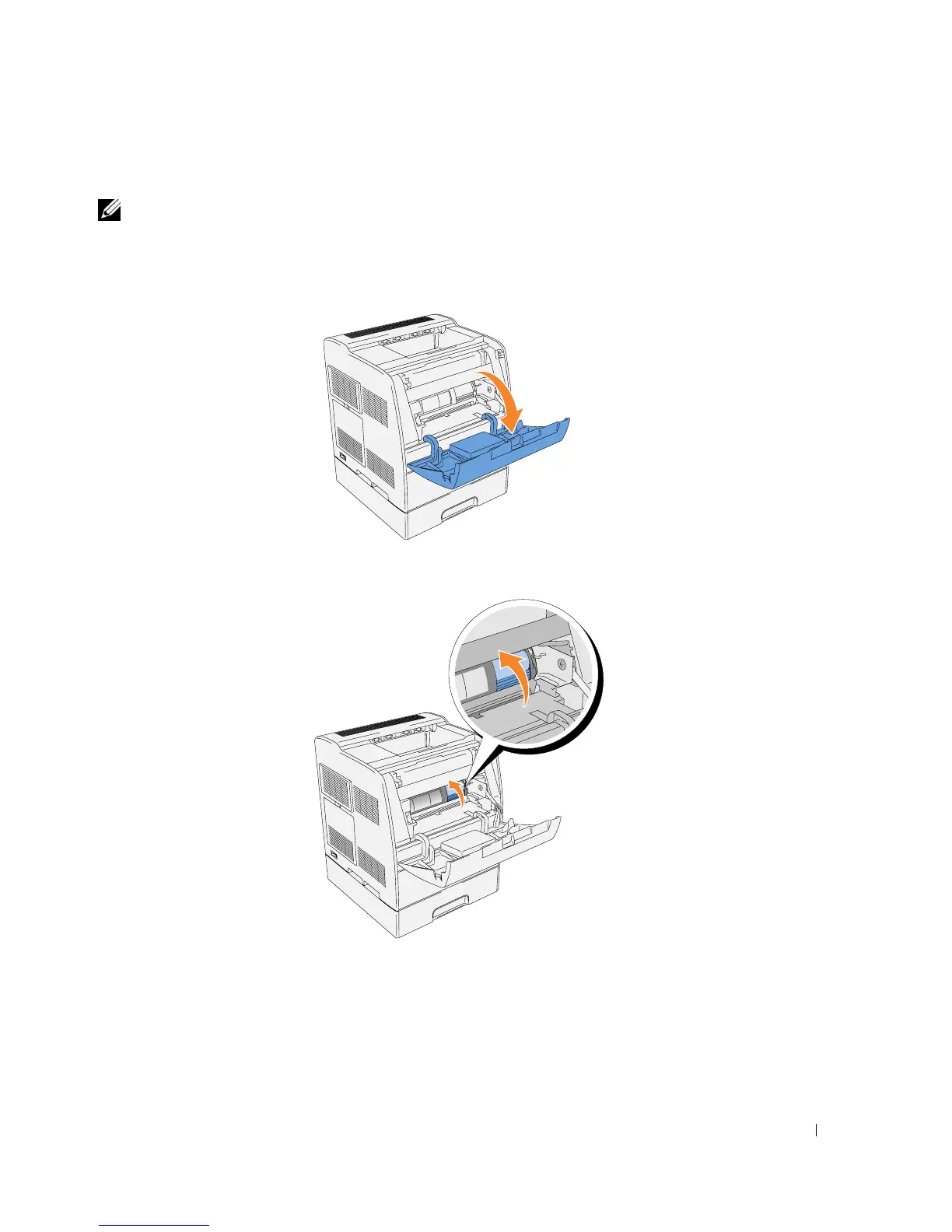
Removing the Used Toner Cartridge
NOTE: Remove any print jobs from the center output tray and close the multipurpose feeder cover
before opening the front door.
1.
Grab the notch in the front door and pull forward.
The toner cartridge that must be replaced has moved to the front of the printer.
2.
Push up the handhold on the right to unlock the cartridge.














 To Next Page