42 Maintenance
www.dell.com/supplies | support.dell.com
Installing the New Drum Cartridge
1.
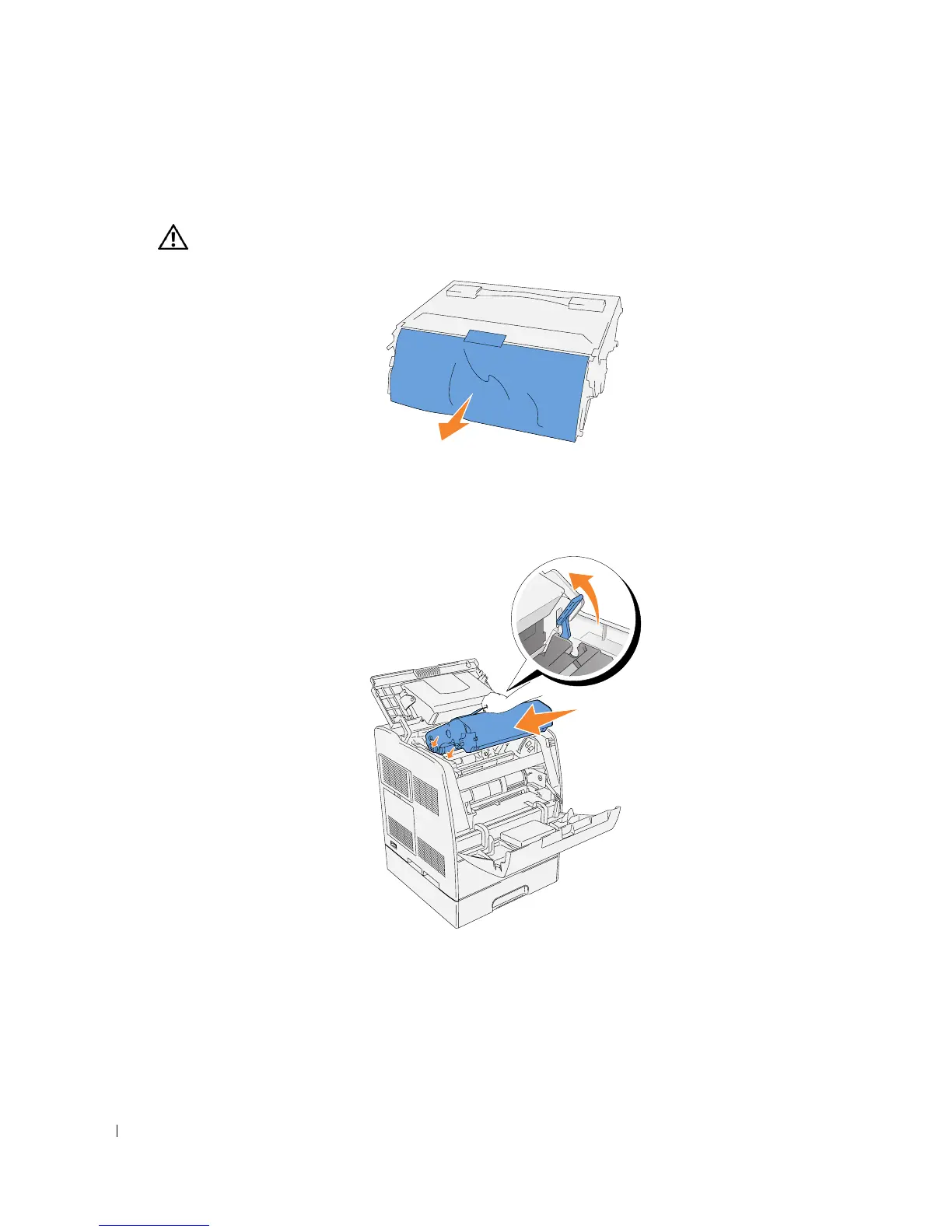
Remove the protective sheet from the drum cartridge.
CAUTION: Do not touch the drum at the bottom of the drum cartridge.
2.
Holding the drum cartridge by the handle, align the arrows on the drum cartridge with the
corresponding arrows on the printer. Guide the cartridge in until it snaps into place.














 To Next Page