46 Maintenance
www.dell.com/supplies | support.dell.com
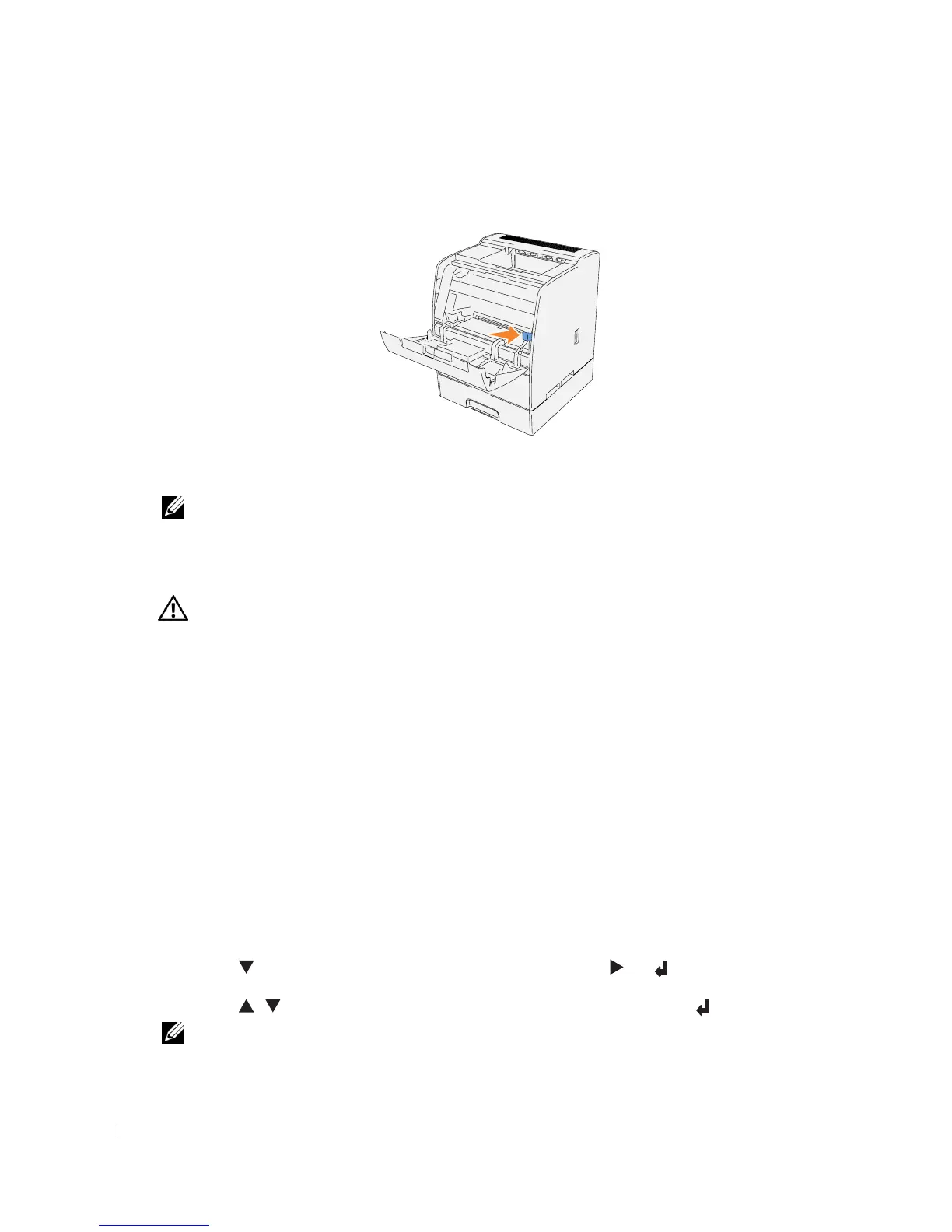
6.
Push the slide bar back to its original position.
7.
Close the front door.
NOTE: When the optional duplex module has been opened, close it. Gently pull open the multipurpose
feeder cover if necessary.
Replacing the Toner Cartridge
CAUTION: Before performing any of the following procedures, read and follow the "CAUTION: SAFETY
INSTRUCTIONS" on page 9.
In addition to the toner level indicator that appears each time you send a job to print, a message
appears on the operator panel to alert you when it’s time to order a new toner cartridge.
Dell toner cartridge are available only through Dell. You can order more toner online at
http://www.dell.com/supplies
or by phone. To order by phone, see "Order Toner Cartridges" on
page 2.
Dell recommends new Dell-branded toner cartridges for your printer. Dell does not provide
warranty coverage for problems caused by using accessories, parts, or components not supplied by
Dell.
Selecting a Replacement Toner Cartridge
1.
Press
Menu
.
2.
Press until
Replace Toner
appears, and then press or .
3.
Press until the desired toner to replace appears, and then press .
NOTE: Each time you replace a black cartridge, you should use the cleaning rod. See
"
Cleaning Inside
the Printer
"
in your User’s Guide.














 To Next Page