48 Maintenance
www.dell.com/supplies | support.dell.com
3.
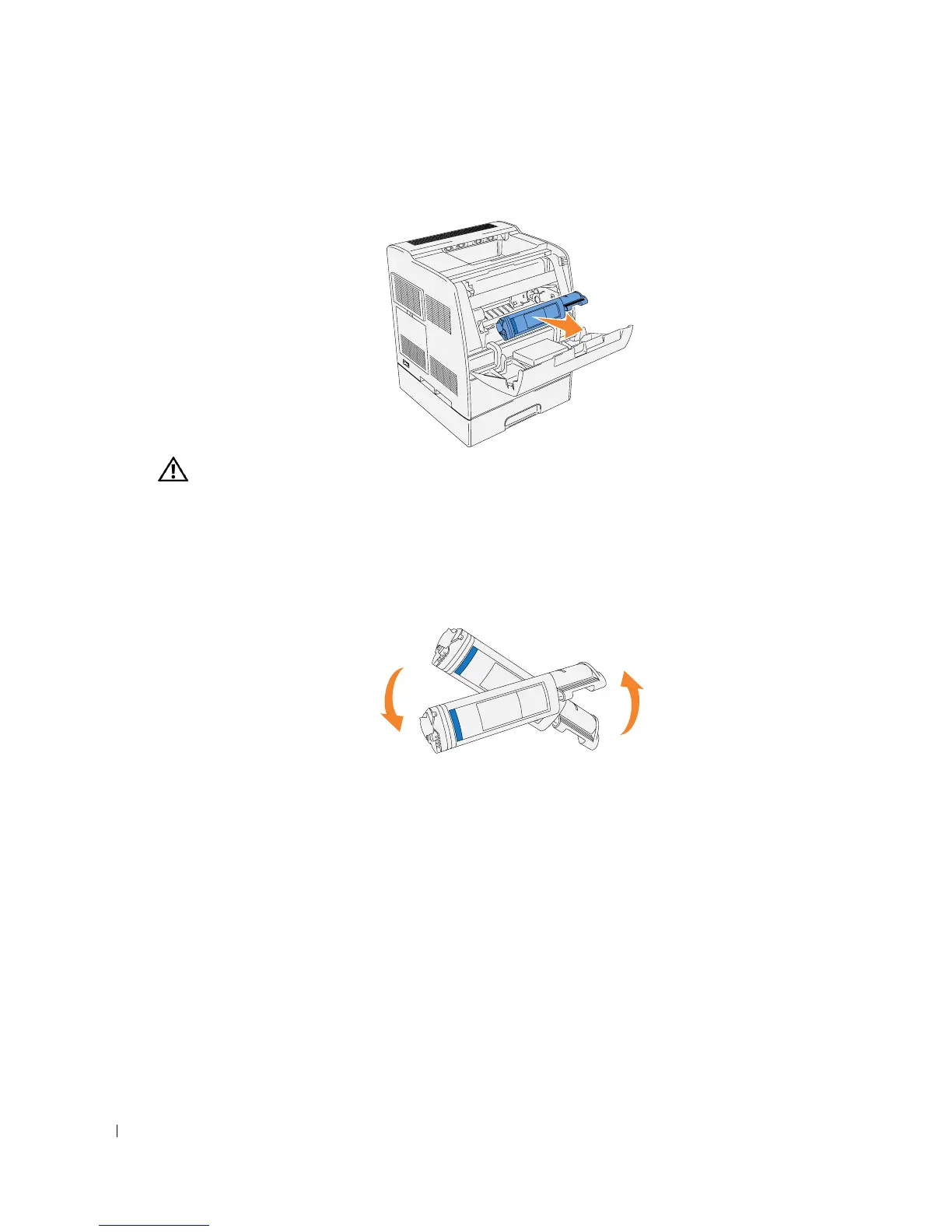
Hold the toner cartridge with both hands and pull out the cartridge.
CAUTION: Do not touch inside the printer with your hands. Some parts may be hot.
Installing the New Toner Cartridge
1.
Make sure the color of the toner cartridge matches the slot on the toner cartridge carrier.
Gently shake the cartridge to distribute the toner evenly.














 To Next Page