40 Maintenance
www.dell.com/supplies | support.dell.com
Replacing the Drum Cartridge
CAUTION: Before performing any of the following procedures, read and follow the "CAUTION: SAFETY
INSTRUCTIONS" on page 9.
Dell cartridges are available only through Dell. You can order more online at
http://www.dell.com/supplies
or by phone. To order by phone, see "Order Toner Cartridges" on
page 2.
Dell recommends Dell cartridges for your printer. Dell does not provide warranty coverage for
problems caused by using accessories, parts, or components not supplied by Dell.
Removing the Used Drum Cartridge
NOTE: Remove any print jobs from the center output tray and close the multipurpose feeder cover
before opening the top cover or front door.
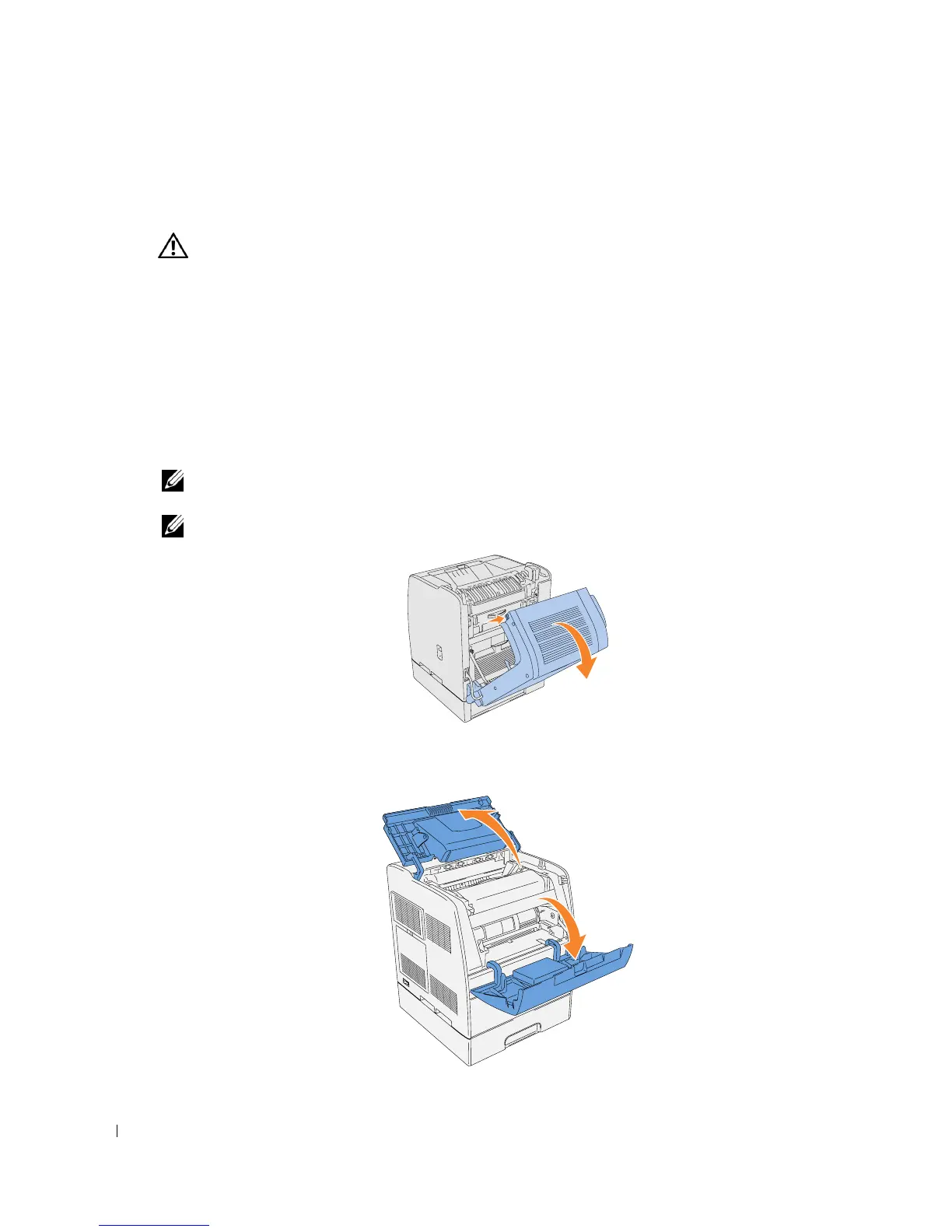
NOTE: First pull the optional duplex module back if it is installed.
1.
To open both covers on the printer, grab the notch in the front door and pull forward. Lift the
top cover and push back.














 To Next Page