12 Loading Paper
www.dell.com/supplies | support.dell.com
Loading the Standard Tray
Load the print media used for the majority of your print jobs in the standard 500-sheet tray.
1.
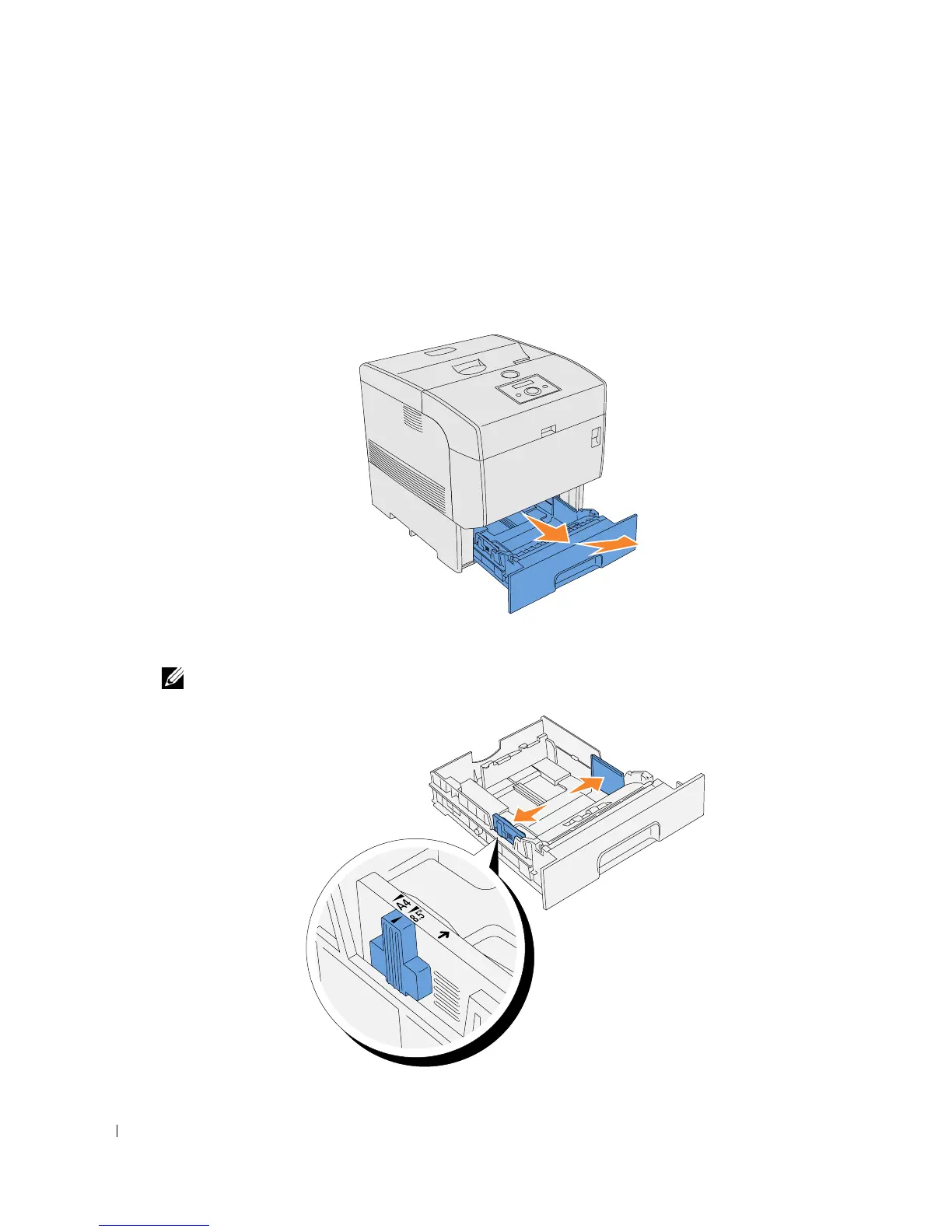
Pull the tray out of the printer until it stops. Hold the tray with both hands, lift the front
slightly, and remove it from the printer.
2.
Slide the width guides to the edge of the tray. The width guides should be fully extended.
NOTE: For A4 paper, push the lever to the A4 position.














 To Next Page