Maintenance 53
Removing the Used Separator Roller
NOTE: Remove any print jobs from the tray before pulling the tray out of the printer.
1.
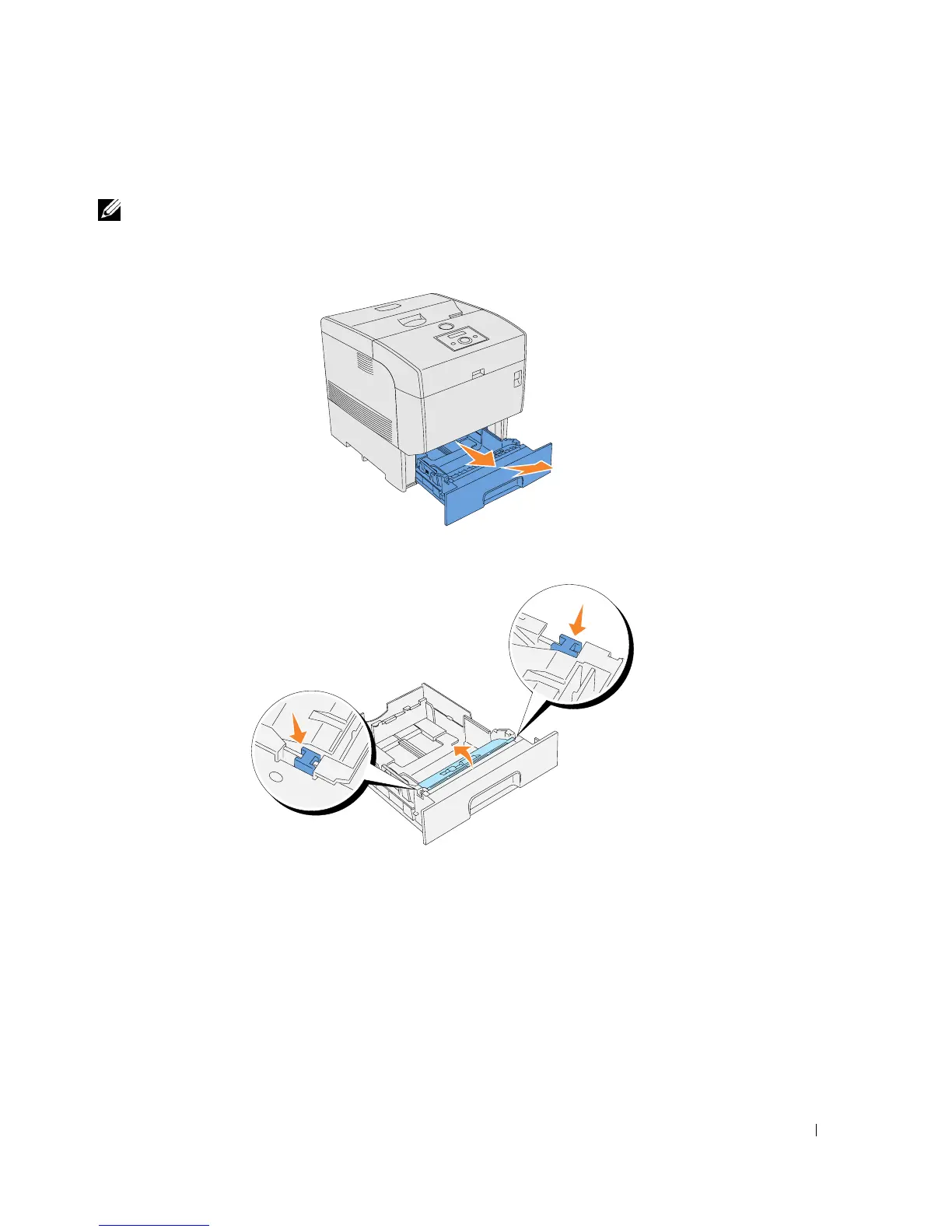
Pull the tray out of the printer until it stops. Hold the tray with both hands, lift the front
slightly, and remove it from the printer.
2.
Press both tabs inward and hold while gently lifting the separator roller cover to the open
position.














 To Next Page