14 Loading Paper
www.dell.com/supplies | support.dell.com
6.
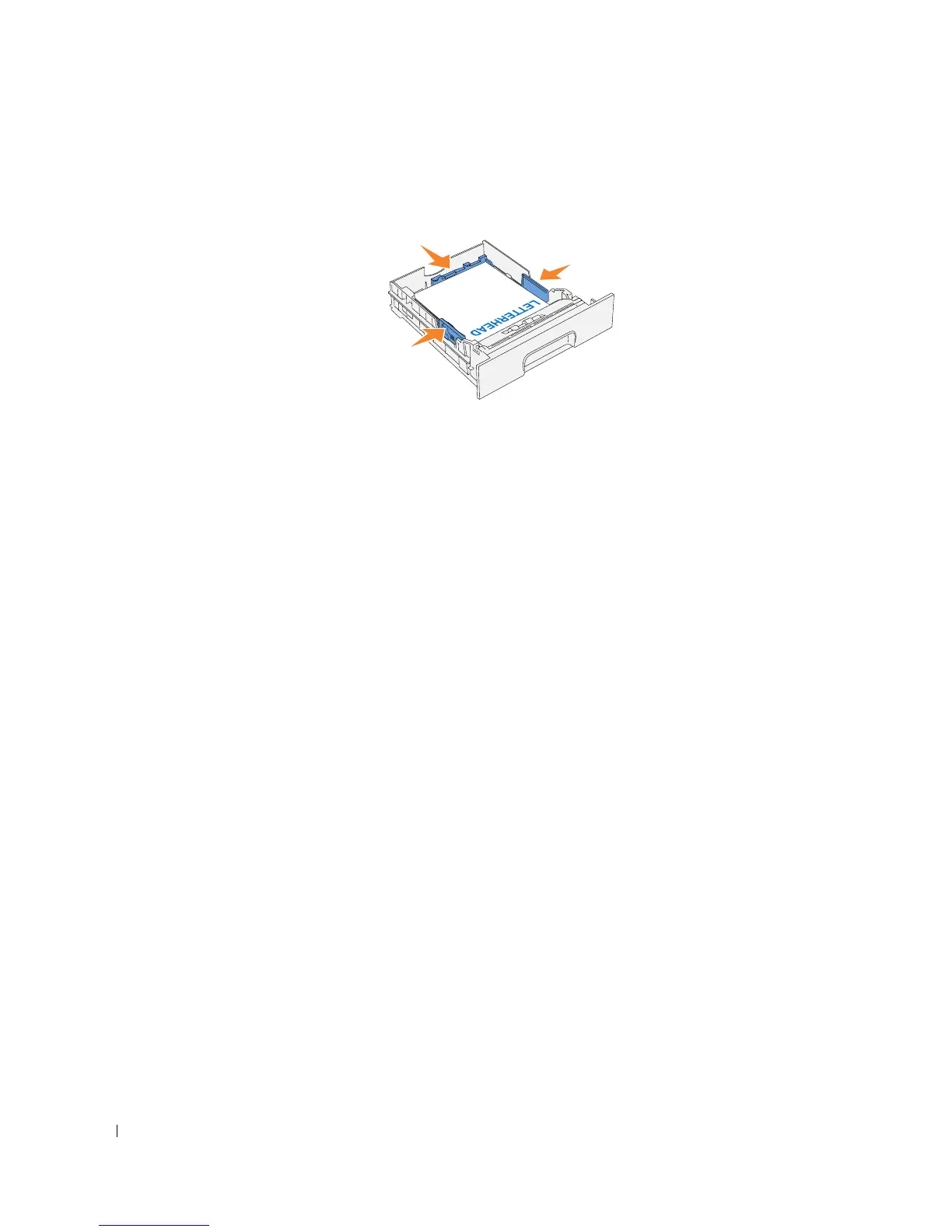
Slide the width guides and length guide until they rest lightly against the edge of the print
media stack.
7.
Insert the tray into the printer, and push until it stops.
8.
If you load any print media into the tray, configure the
Paper Type
settings for that tray
according to the message on the operator panel.














 To Next Page