16 Loading Paper
www.dell.com/supplies | support.dell.com
3.
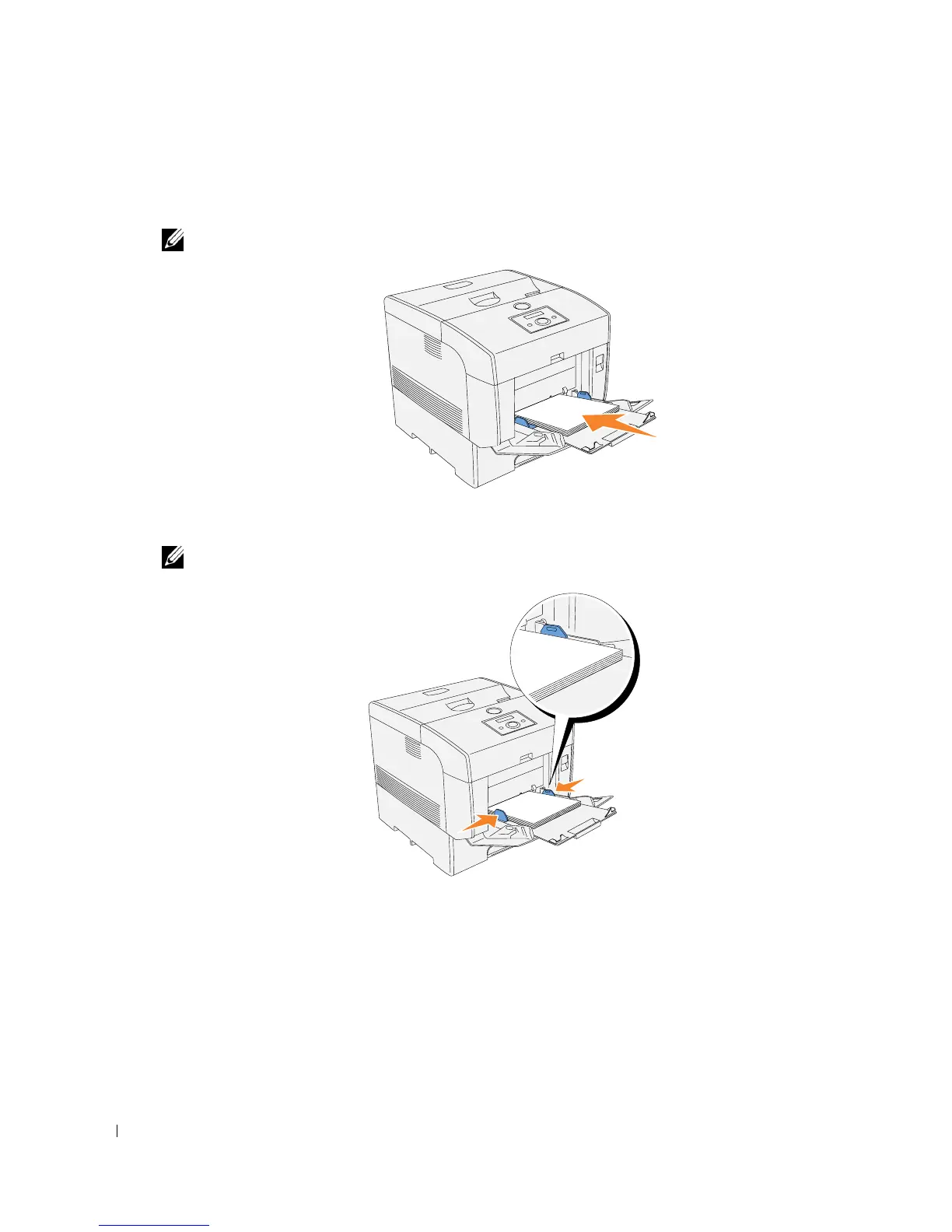
Insert all media face down and top edge first into the multipurpose feeder. For more
information, see "Loading Envelopes" on page 17.
NOTE: Do not force the print media.
4.
Slide the width guides until they rest lightly against the edge of the print media stack.
NOTE: Be careful not to bend the print media.
5.
Make sure the size and type settings for the multipurpose feeder are set to the correct value
for the print media you have loaded.
Select print media source, size, and type in your software program and select the print media
size and type on the printer operator panel.
For tips on recommended print media, solving printing problems, and clearing jams, see the
User’s
Guide
.














 To Next Page