2 Flex the sheets of paper back and forth to loosen them, and then fan them. Do not fold or crease the paper.
Straighten the edges on a level surface.
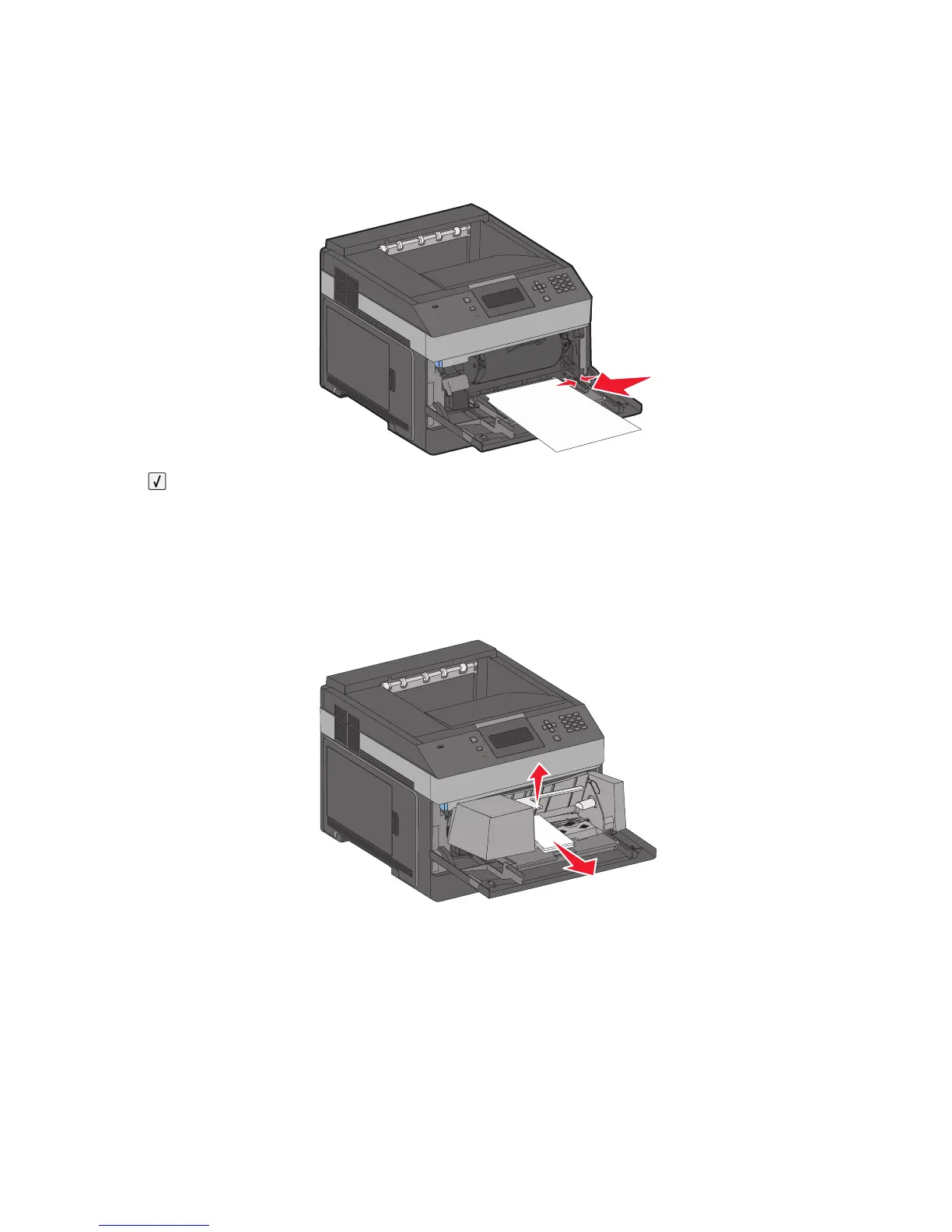
3 Load the paper into the multipurpose feeder.
4 Slide the paper guide toward the inside of the tray until it lightly rests against the edge of the paper.
5 Press .
260 paper jam
The envelope feeder feeds envelopes from the bottom of the stack. The bottom envelope is jammed.
1 Lift the envelope weight, and then remove all the envelopes.
2 If the jammed envelope cannot be pulled out, lift the envelope feeder up and then out of the printer, and then
set it aside.
3 Remove the envelope from the printer.
Note: If you cannot remove the envelope, then the toner cartridge will have to be removed. For more information,
see “200 paper jam” on page 141.
4 Reinstall the envelope feeder. Make sure it clicks into place.
5 Flex and stack the envelopes.
Clearing jams
149














 To Next Page