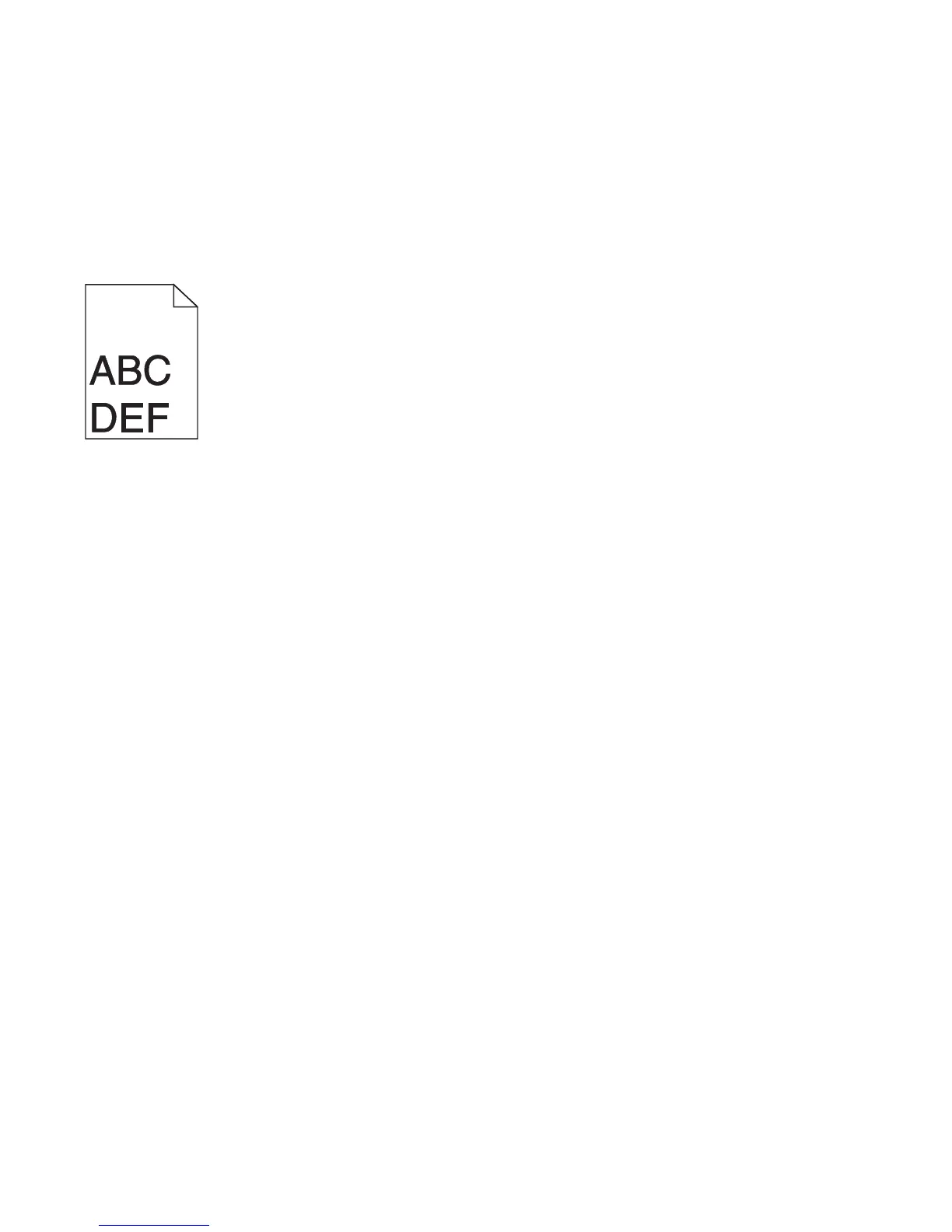
CHECK THE TONER DARKNESS SETTING
Select a lighter Toner Darkness setting:
• From the printer control panel Quality menu, change the setting.
• For Windows users, change the setting from Print Properties.
• For Macintosh users, change the setting from the Print dialog.
Incorrect margins
These are possible solutions. Try one or more of the following:
CHECK THE PAPER GUIDES
Move the guides in the tray to the correct positions for the paper size loaded.
CHECK THE PAPER SIZE SETTING
Make sure the paper size setting matches the paper loaded in the tray:
1 From the printer control panel Paper menu, check the Paper Size setting.
2 Before sending the job to print, specify the correct size setting:
• For Windows users, specify the size from Print Properties.
• For Macintosh users, specify the size from the Page Setup dialog.
Paper curl
These are possible solutions. Try one or more of the following:
CHECK THE PAPER TYPE SETTING
Make sure the paper type setting matches the paper loaded in the tray:
1 From the printer control panel Paper menu, check the Paper Type setting.
2 Before sending the job to print, specify the correct type setting:
• For Windows users, specify the type from Print Properties.
• For Macintosh users, specify the type from the Print dialog.
THE PAPER HAS ABSORBED MOISTURE DUE TO HIGH HUMIDITY
• Load paper from a fresh package.
• Store paper in its original wrapper until you use it.
Troubleshooting
177














 To Next Page