6 Load the envelopes in the envelope feeder.
7 Adjust the paper guide.
8 Lower the envelope weight.
9 Press .
271–279 paper jams
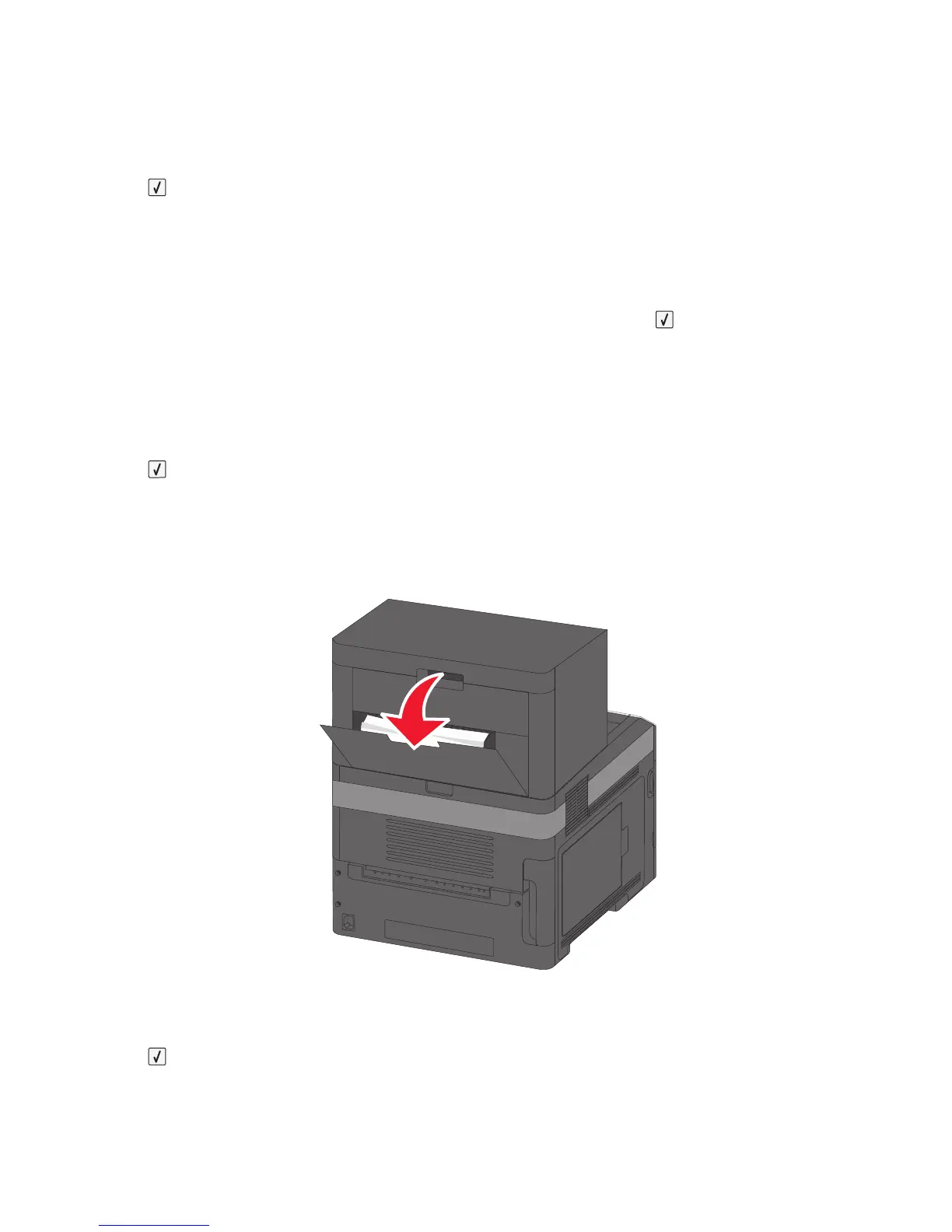
To clear a jam in the output expander, high-capacity output stacker, the 5-bin mailbox, or the staple finisher:
1 If the paper is exiting into a bin, then pull the paper straight out, and then press .
If not, then continue with step 2.
2 Pull down the output bin door or doors.
3 Remove the jammed paper.
4 Close the output bin door or doors.
5 Press .
280 paper jams
1 Pull down the staple finisher door.
2 Remove the jammed paper.
3 Close the staple finisher door.
4 Press .
Clearing jams
150














 To Next Page