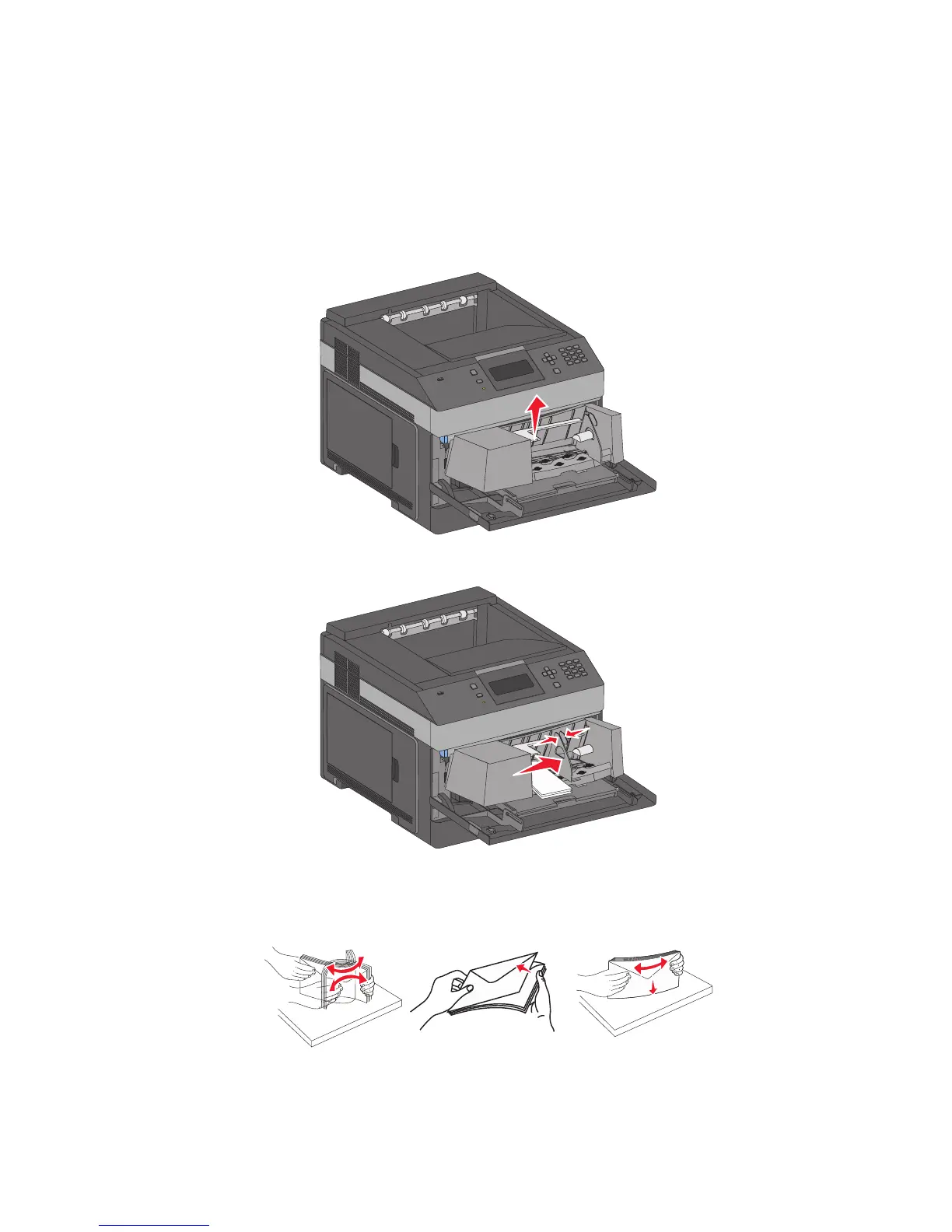
Loading the envelope feeder
1 Adjust the envelope support for the length of envelope you are loading:
• Short envelopes—Fully close the envelope support.
• Medium-length envelopes—Extend the envelope support to the middle position.
• Long envelopes—Fully open the envelope support.
2 Lift the envelope weight back toward the printer.
3 Slide the width guide to the right.
4 Prepare the envelopes for loading.
Flex the envelopes back and forth to loosen them, and then fan them. Do not fold or crease the paper. Straighten
the edges on a level surface.
Loading paper and specialty media
63














 To Next Page