Item Description
7
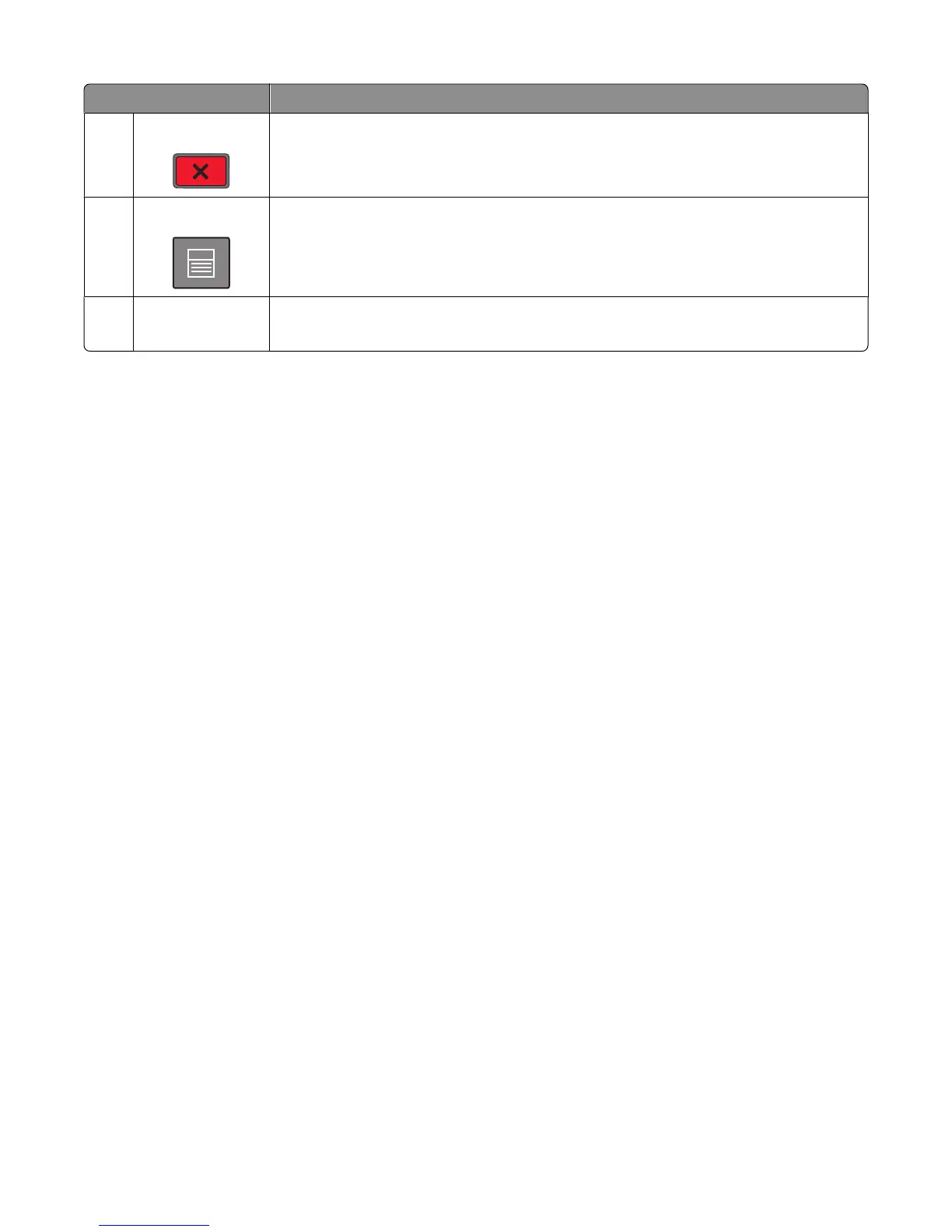
Stop Stops all printer activity
A list of options is offered once Stopped appears on the display.
8 Menu Opens the menu index
Note: The menus are available only when the printer is in the Ready state.
9
USB port Insert a flash drive into the front of the printer to print saved files.
Note: Only the front USB port supports flash drives.
Learning about the printer
18














 To Next Page