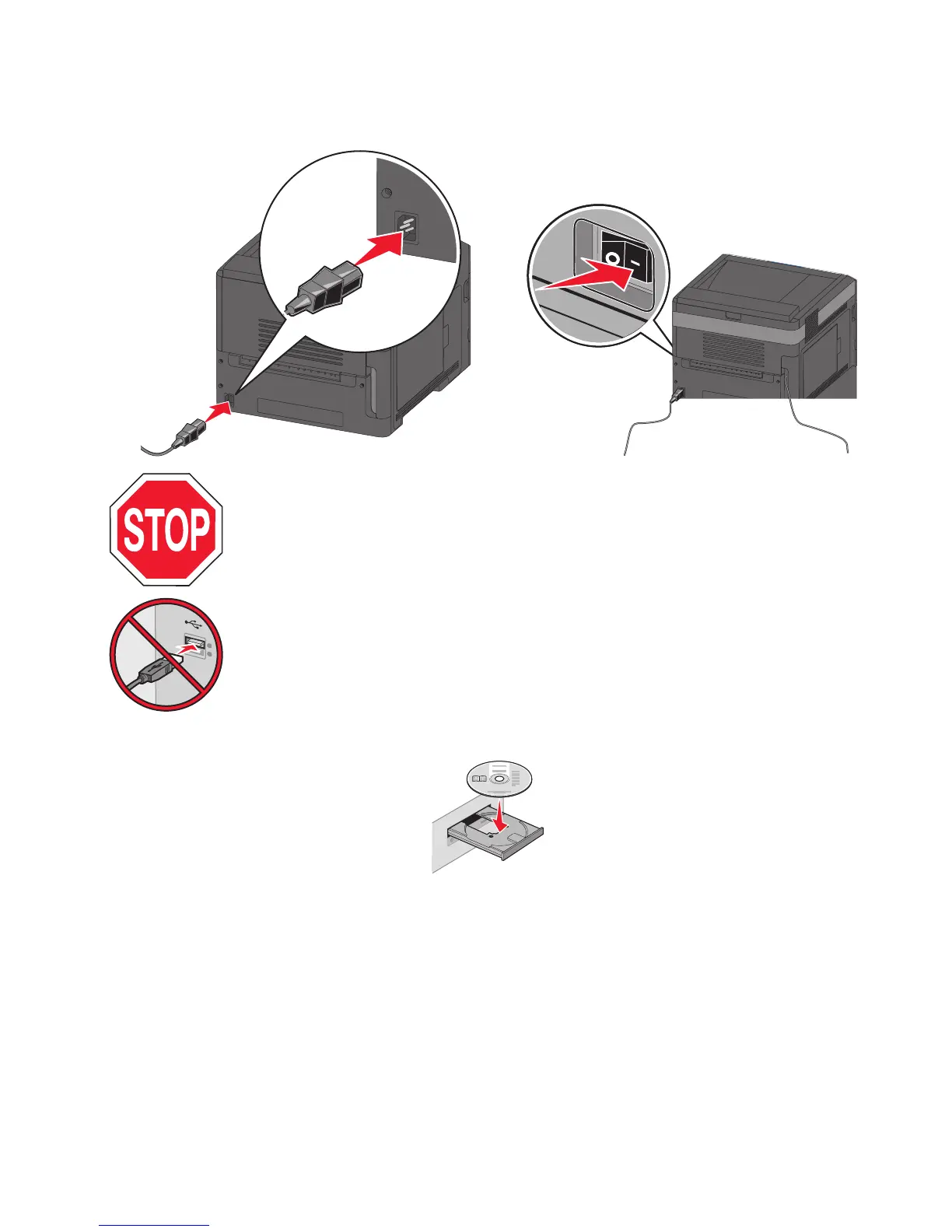
1 Connect the power cable to the printer and then to a properly grounded electrical outlet, and then turn the printer
on.
Make sure the printer and computer are fully on and ready.
Do not connect the USB cable until instructed to do so on the screen.
2 Insert the Software and Documentation CD.
3 Click Install Printer and Software.
4 Click Agree to accept the terms of the License Agreement.
5 Select Suggested and then click Next.
6 Click Wireless Network Attach.
Additional printer setup
41














 To Next Page