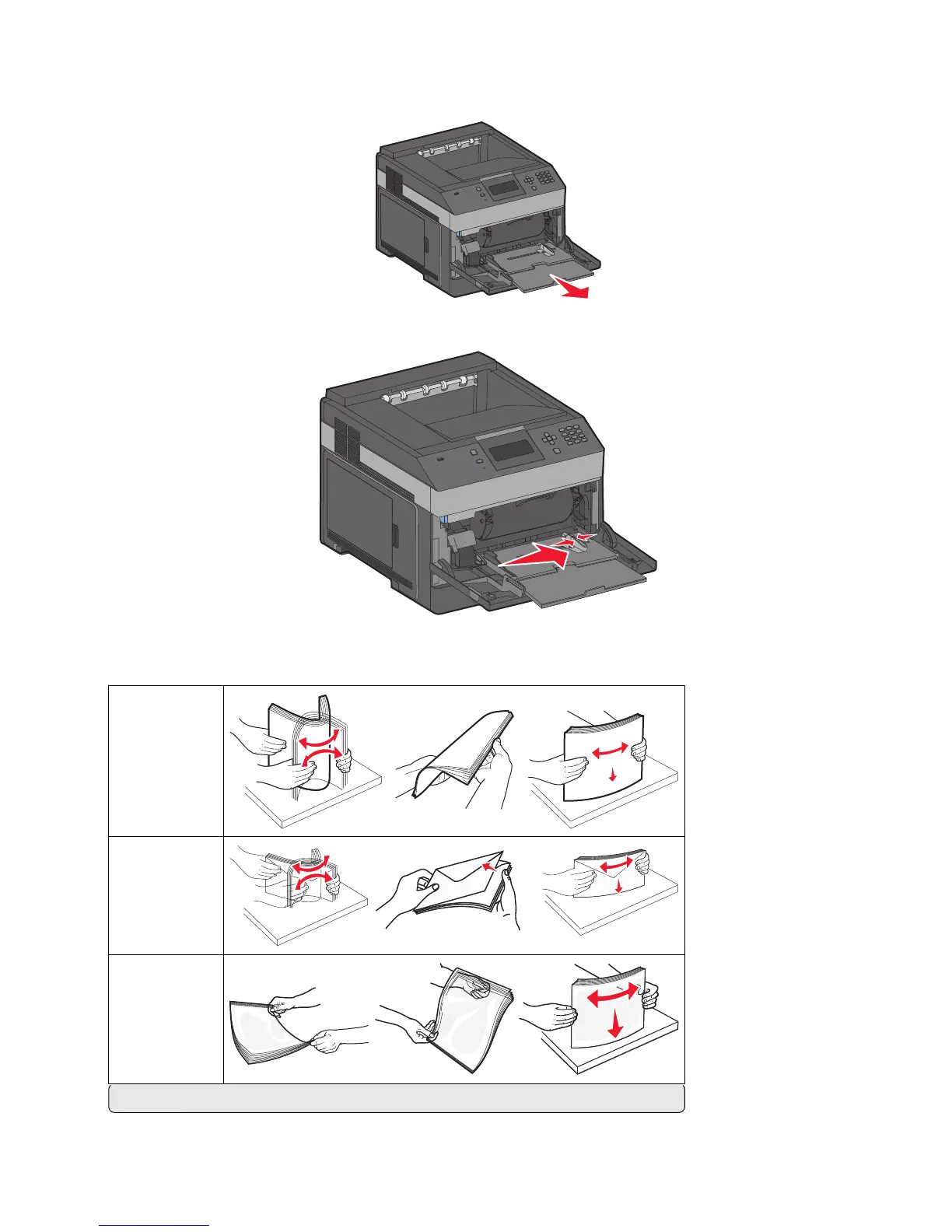
2 Pull out the extension until it is fully extended.
3 Squeeze and slide the width guide to the far right.
4 Flex the sheets of paper or specialty media back and forth to loosen them, and then fan them. Do not fold or
crease them. Straighten the edges on a level surface.
Paper
Envelopes
Transparencies*
* Avoid touching the print side of transparencies. Be careful not to scratch them.
Loading paper and specialty media
61














 To Next Page