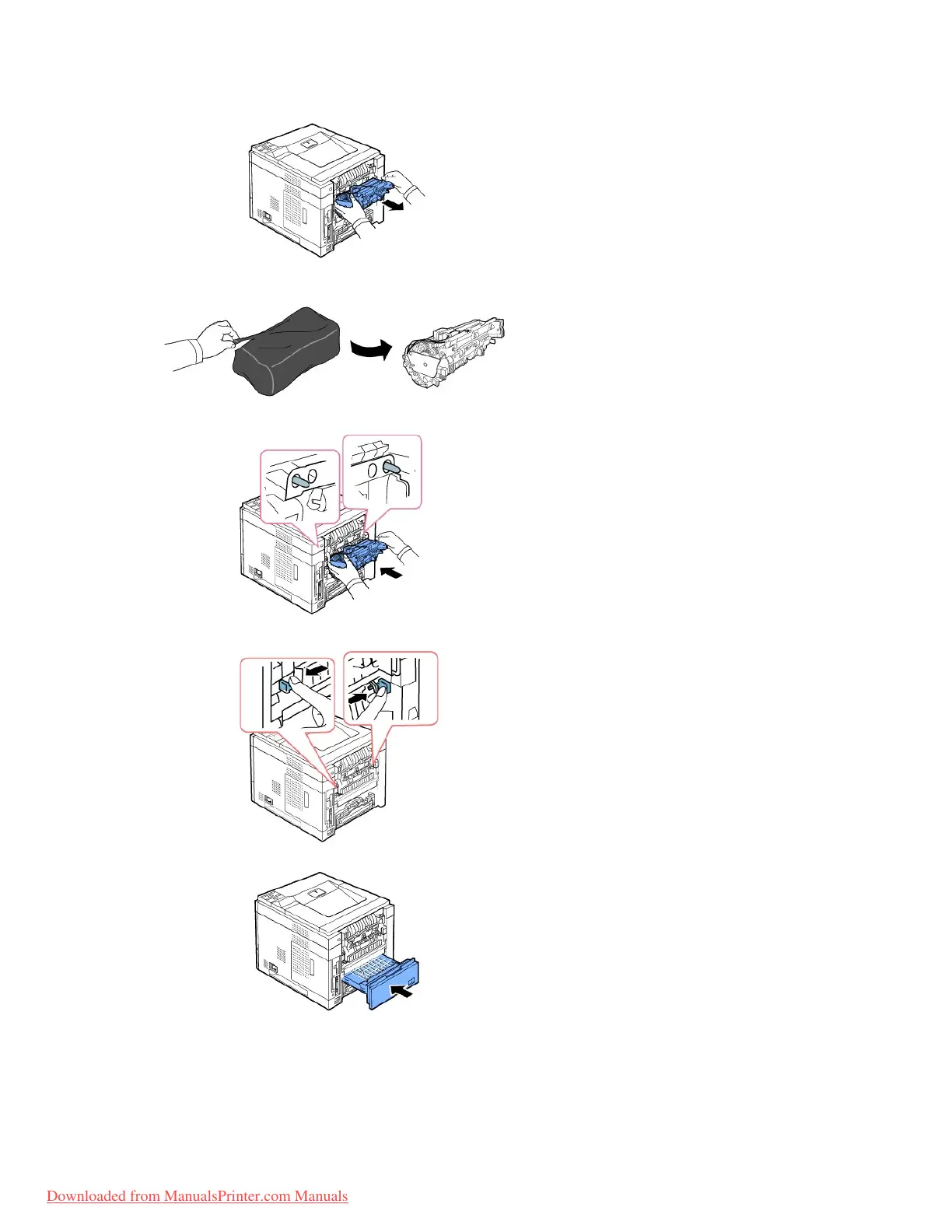
8. Remove the new Fuser unit from its bag.
9. Insert Fuser unit completely into the printer.
If Fuser unit is not completely inserted, the printer will not operate. Make sure that both levers of the fuser are securely latched onto the printer.
10. Insert the duplex unit into the slot.
11. Put the rear door back on and insert the rear door strap to the printer.














 To Next Page