use a known good USB
keyboard (or any other USB
device) to see if it works on
the same USB port.
• If the known good USB dev
ice
is not working on the same
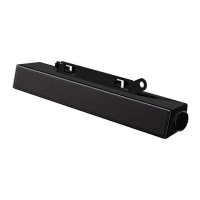
port, or the original sound
bar
works properly on another
system, the former system's
USB I/O may be defective.
•
does
not work properly on another
system, replace the sound
• If playing through USB
streaming, ensure that a music
file is playing from the platform
and the volume level is not 0%.
If playing through external
music devices such as MP3
player, iPod/iPad/iPhone or
any other Android phone,
Ensure that the external music
device volume is not 0%.
•
If playing through USB
streaming, set all Windows
volume controls to their
the computer (for example,
audio CD or MP3 player).
•
Turn the volume to a higher
level by rotating the sound
volume knob clockwise.
• Clean or re-
• Test the sound bar with a



 To Next Page