different music source (for
Go to the control panel of the
computer and click on Sound.
• Try different ports.
• Re-install the on-
board drivers
or the sound card drivers.
Try with a speaker that is
No sound from
USB audio source.
aux-in jack.
• Remove the 3.5 mm aux-
cable from the aux-in jack.
Computer's sound
card is used as the
audio source.
user.
• Confirm that the audio line-
in
plug is completely inserted into
the jack of the sound card.
•
Set all volume controls to their
Decrease the volume of the
audio application.
• Turn the vo
bar knob counter-clockwise.
• Clean and re-
Troubleshoot the computer's
sound card.
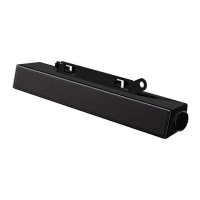
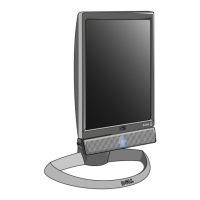
• Test the sound bar
using
another audio source (for
a portable CD player
or an MP3 player).



 To Next Page