• Is the external audio device
turned on or is playing music?
•
Check if the audio device is
turned on or is playing music.
• Ensure that the
audio device
volume is not set to 0% volume
Try replacing the audio device
with a known good audio
Is the aux-in cable
properly plugged
in?
user.
• Confirm that the audio line-
in
plug is completely inserted into
the jack of the audio source.
•
Decrease the volume of the
Turn the volume level to a
lower setting by rotating the
clockwise.
• Clean and re-seat cables ag
Turn the bass or wave setting
setting lower.
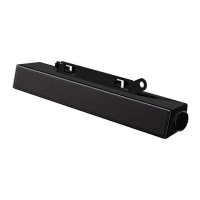
• Ensure the sound bar
is
properly attached on the
Ensure no loose objects are
Headphone jack
connected, but no
sound is heard.
USB streaming or
external audio
source is not
playing music and
volume is 0%.
• Check if the platform music
player or external audio source
Check if the audio source and



 To Next Page