Windows 8
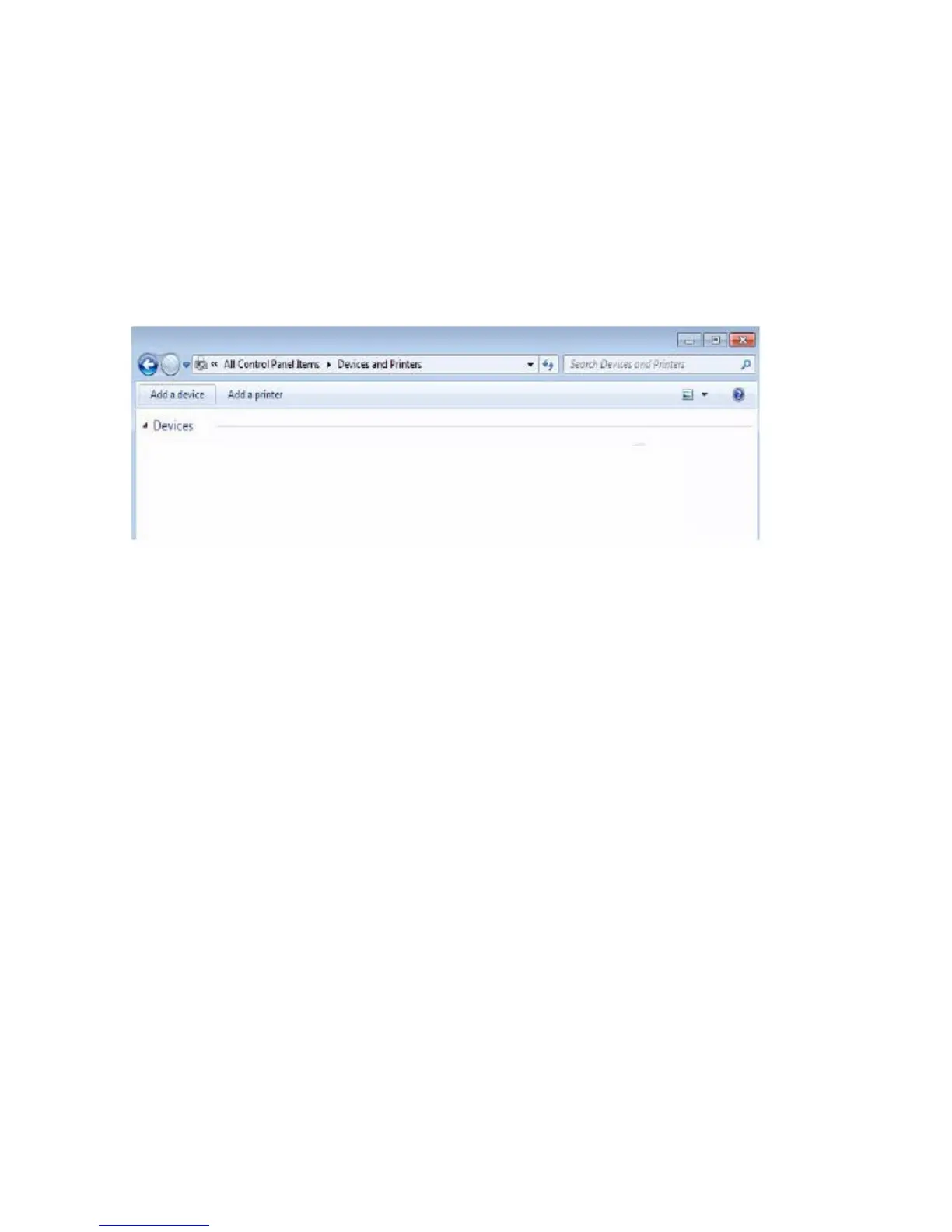
1 Right-click on the bottom lower corner of your screen. On the window that
opens, click Control Panel→ Devices and Printers→ Add a device.
Alternatively, move your mouse pointer to the upper right or lower right
corner of the screen to open the Charms side bar, and then click Settings→
Control Panel→ Devices and Printers→ Add a device.



 To Next Page