Receiving Phone Calls Through Your Speakers
When your mobile device is connected through Bluetooth, your speaker can be used as
a speakerphone. Calls will automatically be transferred to the speaker allowing you to
answer a call.
NOTE: If you receive a call while playing audio, playback will be paused.
Answering a Call
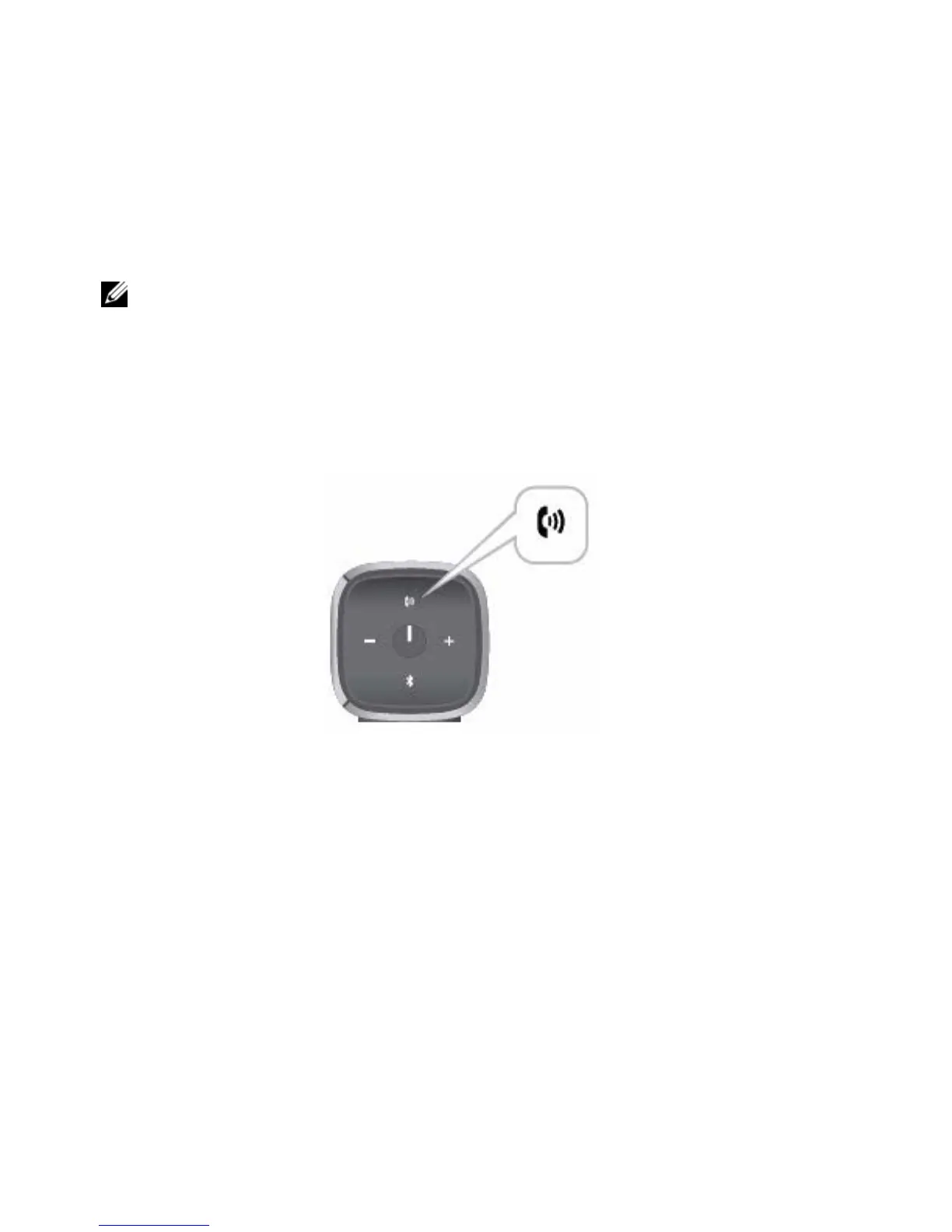
To answer an incoming call, press the Talk/Mute button.



 To Next Page