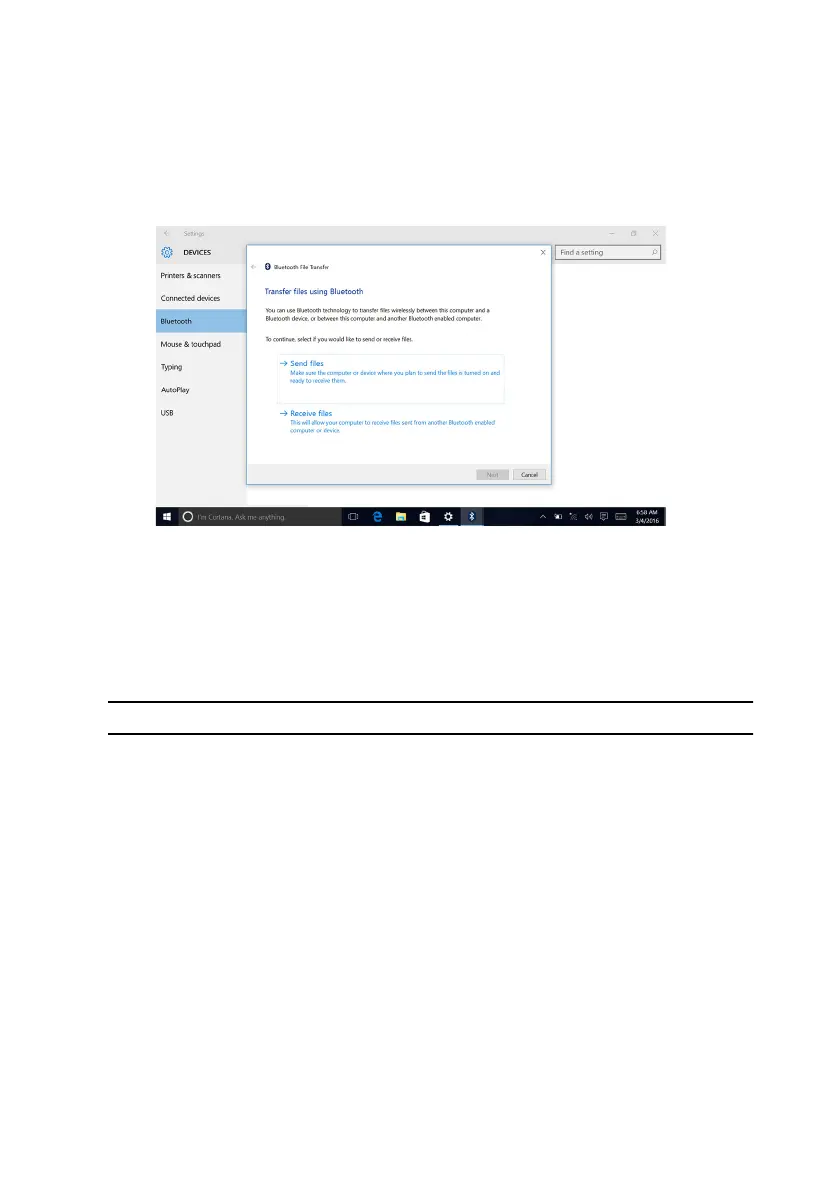
3 Select your Bluetooth device.
4 Click Send or receive files via Bluetooth.
5 In the Bluetooth File Transfer window, click Send files, and then select the
file you want to transfer.
Hard drive
The following table shows the hard-drive options available in Alienware Aurora
R6.
Table 12. Hard drive options
Options Dimensions
SSD One M.2 drive
SATA
• One 3.5-inch drive bay
• Two 2.5-inch drive bays
Identifying the hard drive
1 On the taskbar, click the search box, and then type Device Manager.
2 Click Device Manager.
The Device Manager window is displayed.
151










 To Next Page