Operating the Display | 35
Operating the Display
Turning on the Display
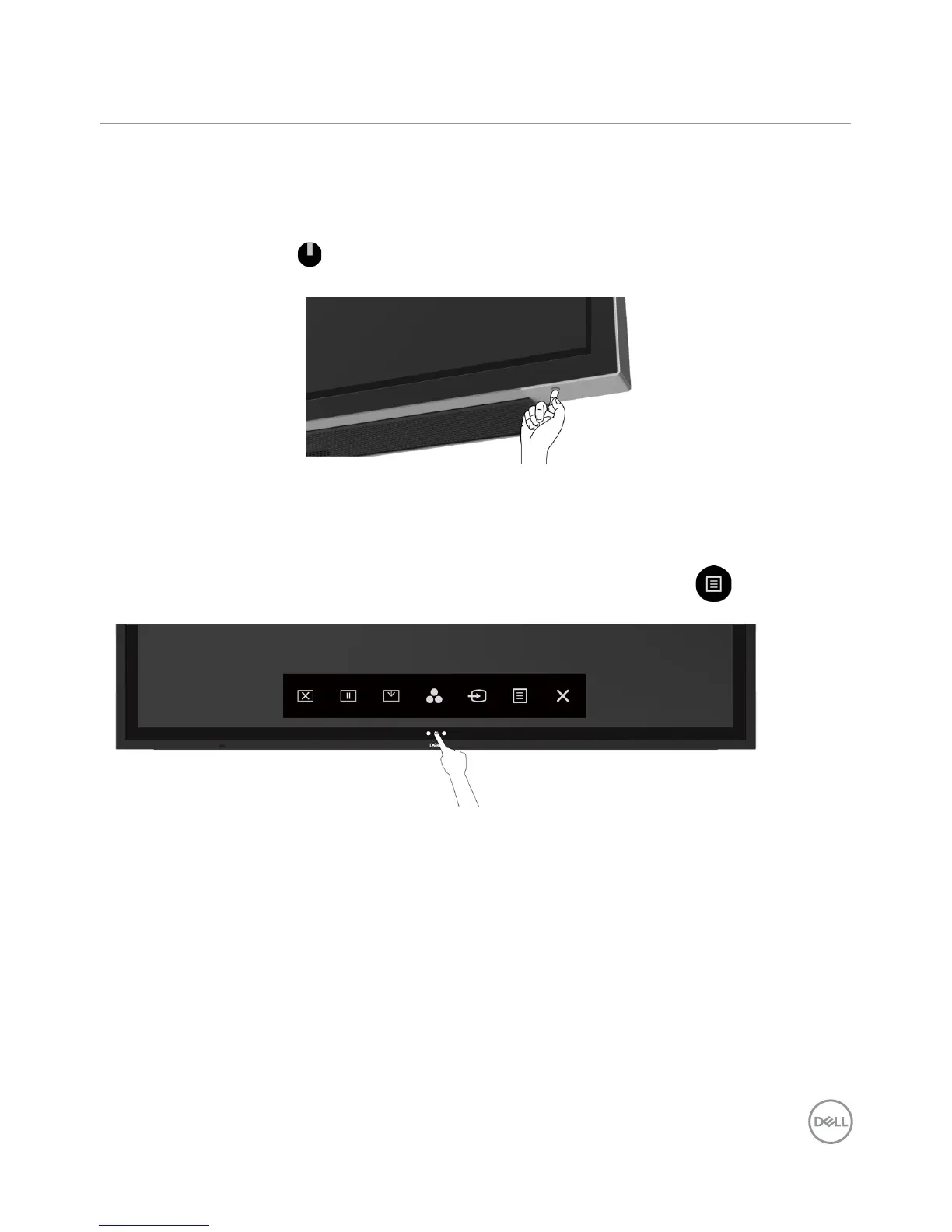
Press the Power button to turn the display On and Off. The white LED indicates the display
is On and fully functional. A glowing white LED indicates DPMS Power Save Mode.
Touch OSD Launcher
This display comes with a touch OSD functionalities. Press the OSD launcher touch key to
access the functionalities.
NOTE: To lock or unlock Touch OSD Launcher, please and hold touch key for 4 seconds.



 To Next Page