Operating the Display | 37
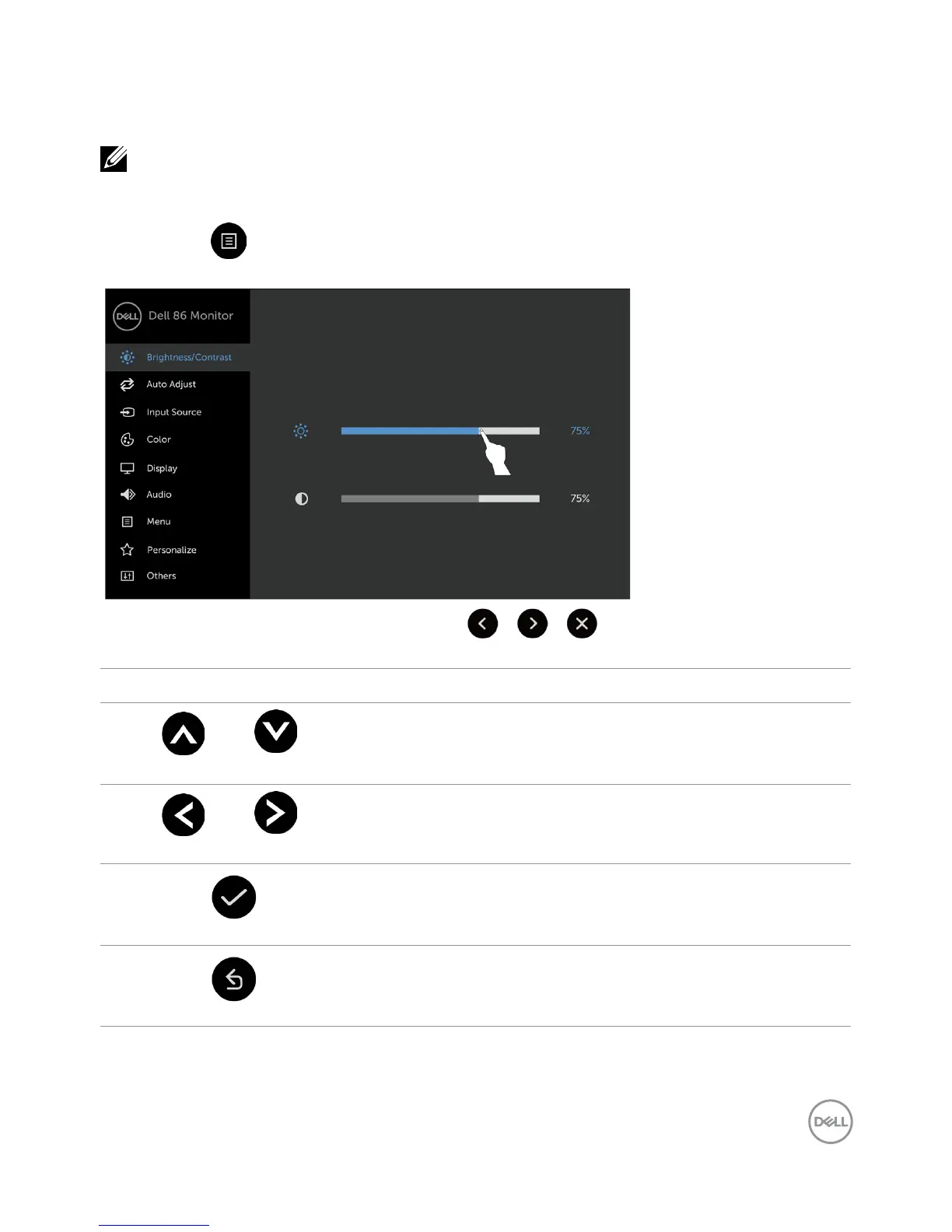
Using the On-Screen Display (OSD) Menu
Accessing the Menu System
NOTE: Any changes you make using the OSD menu are automatically saved if
youmove to another OSD menu, exit the OSD menu, or wait for the OSD menu
todisappear.
1 Press the icon on the remote control or OSD Launcher touch key to launch the OSD
menu.
Use the icons to adjust the image settings.
Touch control icon Description
1
Up Down
Use the Up (increase) and Down (decrease) icons to adjust
items in the OSD menu.
2
Left Right
Use the Left (decrease) and Right (increase) icons to adjust
items in the OSD menu.
3
OK
Use the OK icon to confirm your selection.
4
Back
Use the Back icon to go back to the previous menu.



 To Next Page