Operating the Display | 41
Icon Menu and
Submenus
Description
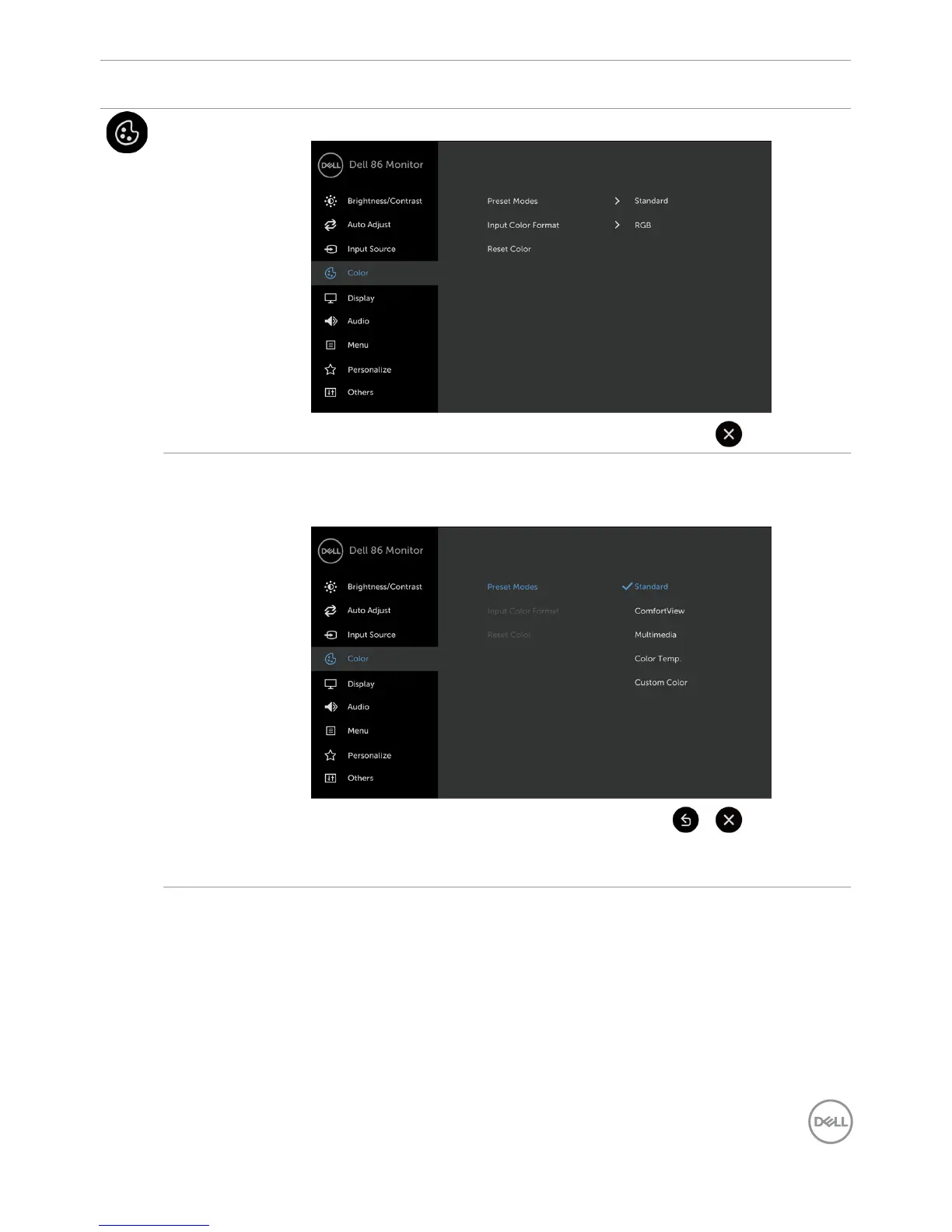
Color Use the Color menu to adjust the color setting mode.
Preset Modes When you select Preset Modes, you can choose Standard,
ComfortView, Multimedia, Color Temp., or Custom Color from
the list.
•Standard: Default color settings. This is the default preset mode.



 To Next Page