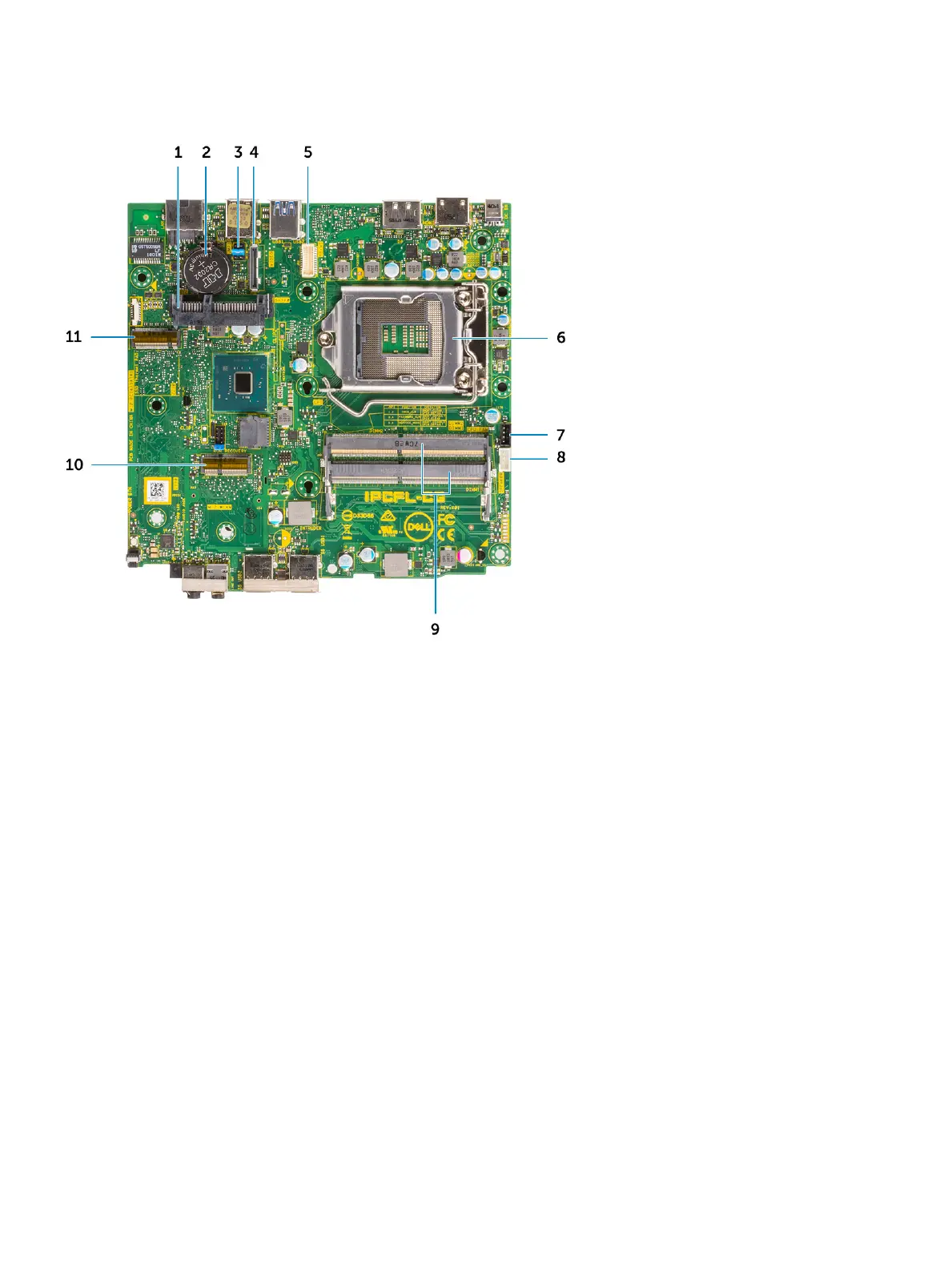
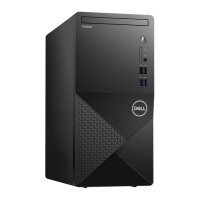
Micro Motherboard Layout
1 HDD connector 2 Coin cell battery
3 Clear CMOS/Password/Service Mode Jumper 4 Optional video connector (HDMI 2.0b / DP/ VGA)
5 Keyboard and mouse serial port connector 6 Processor Socket
7 CPU Fan Connector 8 Internal speaker Connector
9 Memory slots 10 M.2 WLAN Connector
11 M.2 SSD connector
Side cover
Removing side cover
1 Follow the procedure in Before working inside your computer.
2 To remove the side cover:
a Remove the thumbscrew that secures the side cover to the system.
Removing and installing components
13



 To Next Page