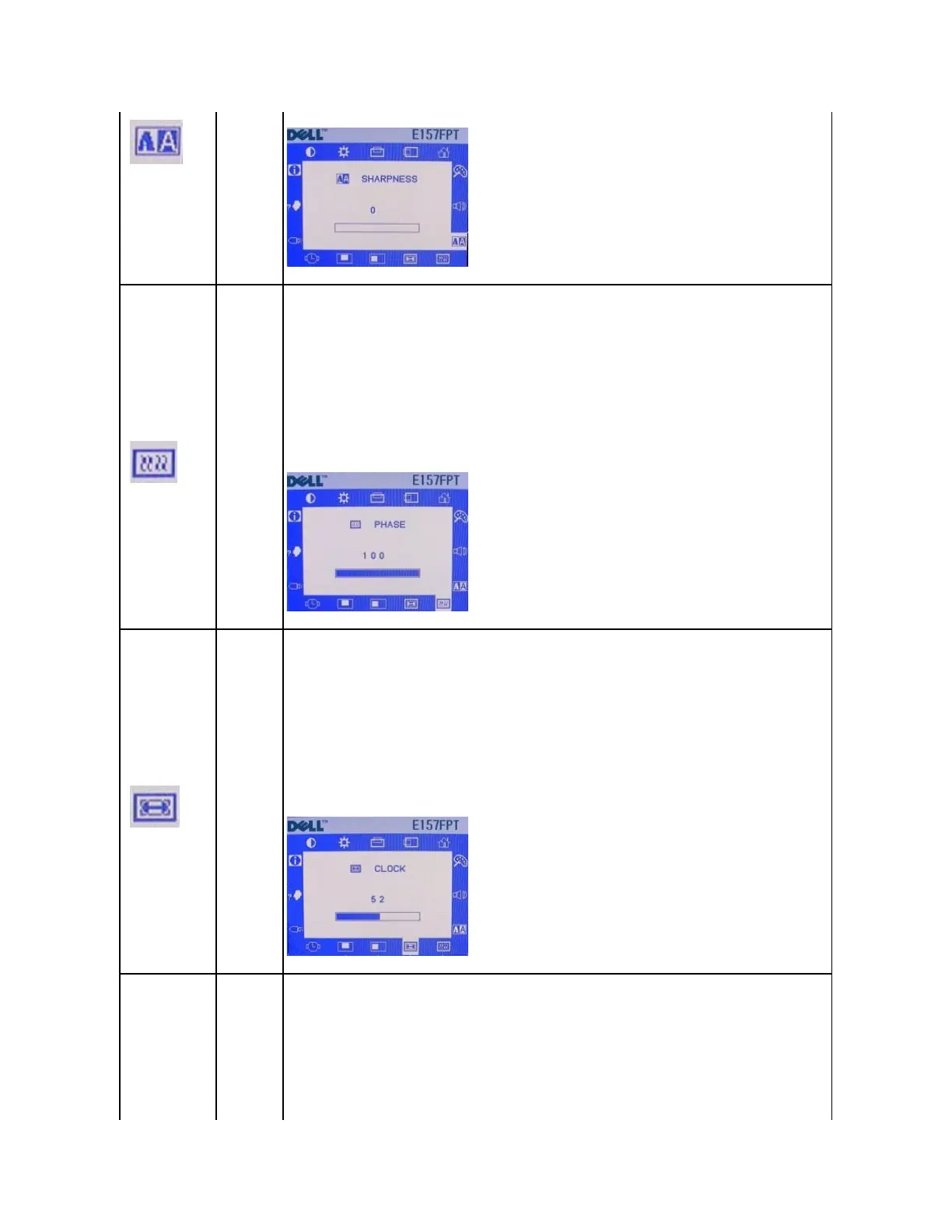
The PHASE function allows for manual fine adjustment of screen interference.
This function is recommended only for advanced users. It is normally adjusted automatically by the AUTO ADJUST
function. If a manual setting for improved performance cannot be determined using this function, use the AUTO ADJUST
function (described below) to set PHASE automatically.
Minimum is 0. Maximum is 100.
The CLOCK function allows for manual fine adjustment of the monitor's dot clock.
This function is recommended only for advanced users. It is normally adjusted automatically by the AUTO ADJUST
function. If a manual setting for improved performance cannot be determined using this function, use the AUTO ADJUST
function (described below) to set CLOCK automatically.
Minimum is 0. Maximum is 100.
The OSD H-POSITION function moves the OSD Menu window left or right in relation to the monitor bezel.
Pressing "+" will move the OSD Menu right.
Pressing "-" will move the OSD Menu left.
Minimum is 0. Maximum is 100.



 To Next Page