2. Locate the Dell entry, then click Change.
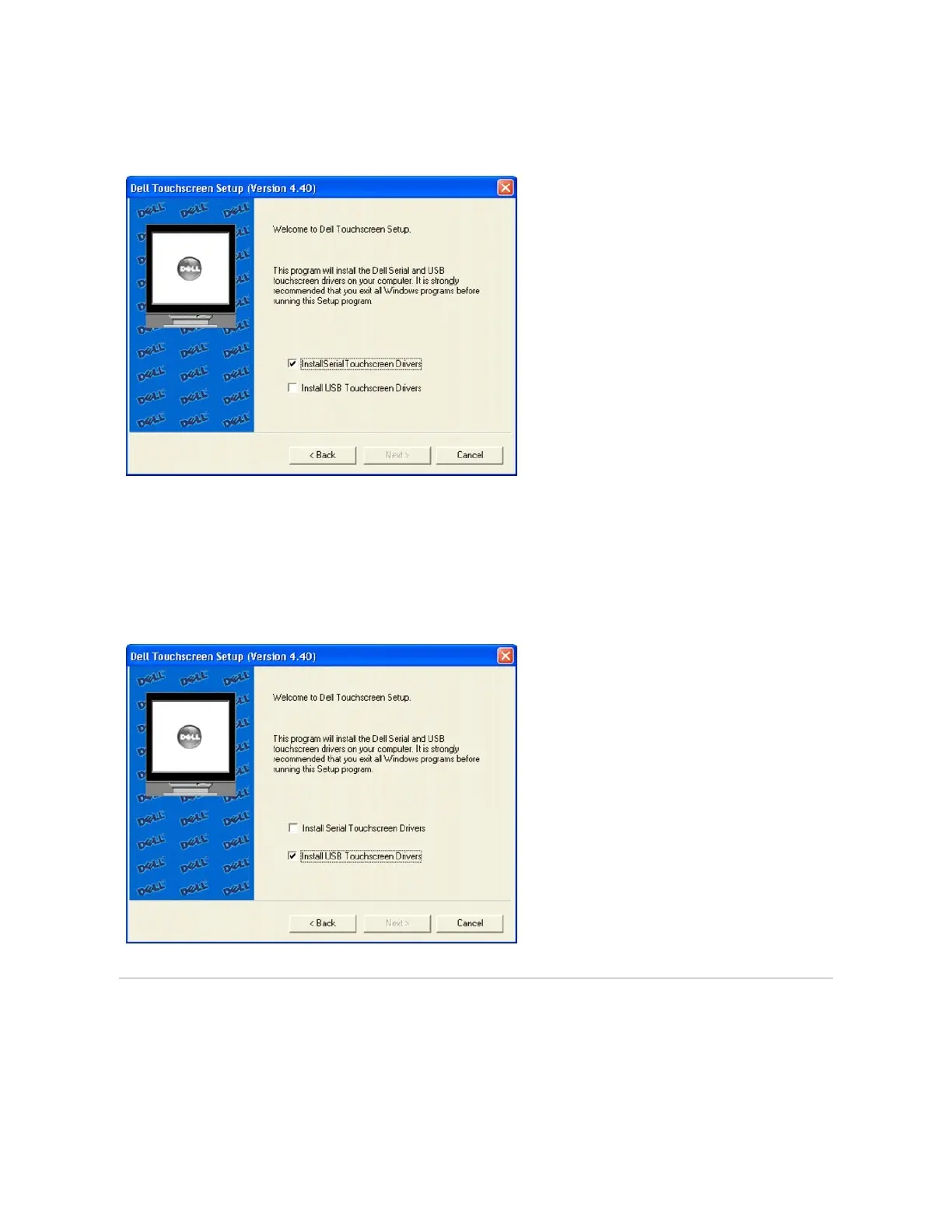
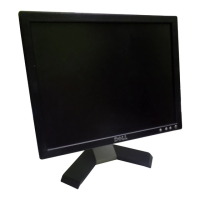
The Dell Touchscreen Setup dialog appears.
3. Select Install Serial Touchscreen Drivers, click Next.
Adding USB Controllers
If there are Dell USB devices already installed, plug the USB cable from the touchmonitor into the computer and run EloVA to calibrate the touchmonitors.
If there are no Dell USB devices attached to the system, click on the Change option from the Add or Remove programs in the Control Panel, Dell entry.
Uninstalling Touch Screen Software
The Uninstall program removes all touch screen software components from your computer. These components include touch screen software files, directories,
program folders, and folder items. The Uninstall program also removes all touch screen software entries from the system registry files.
1. Make sure the touch screen software and Windows control panels are closed.
2. Click Start " Control Panel "Add or Remove Programs.



 To Next Page