Great user manuals database on UserManuals.info
DELL E173FP Service Manual
38
11. ISP (In System Program) User Manual
11.1. Connect ISP Writer preparation action:
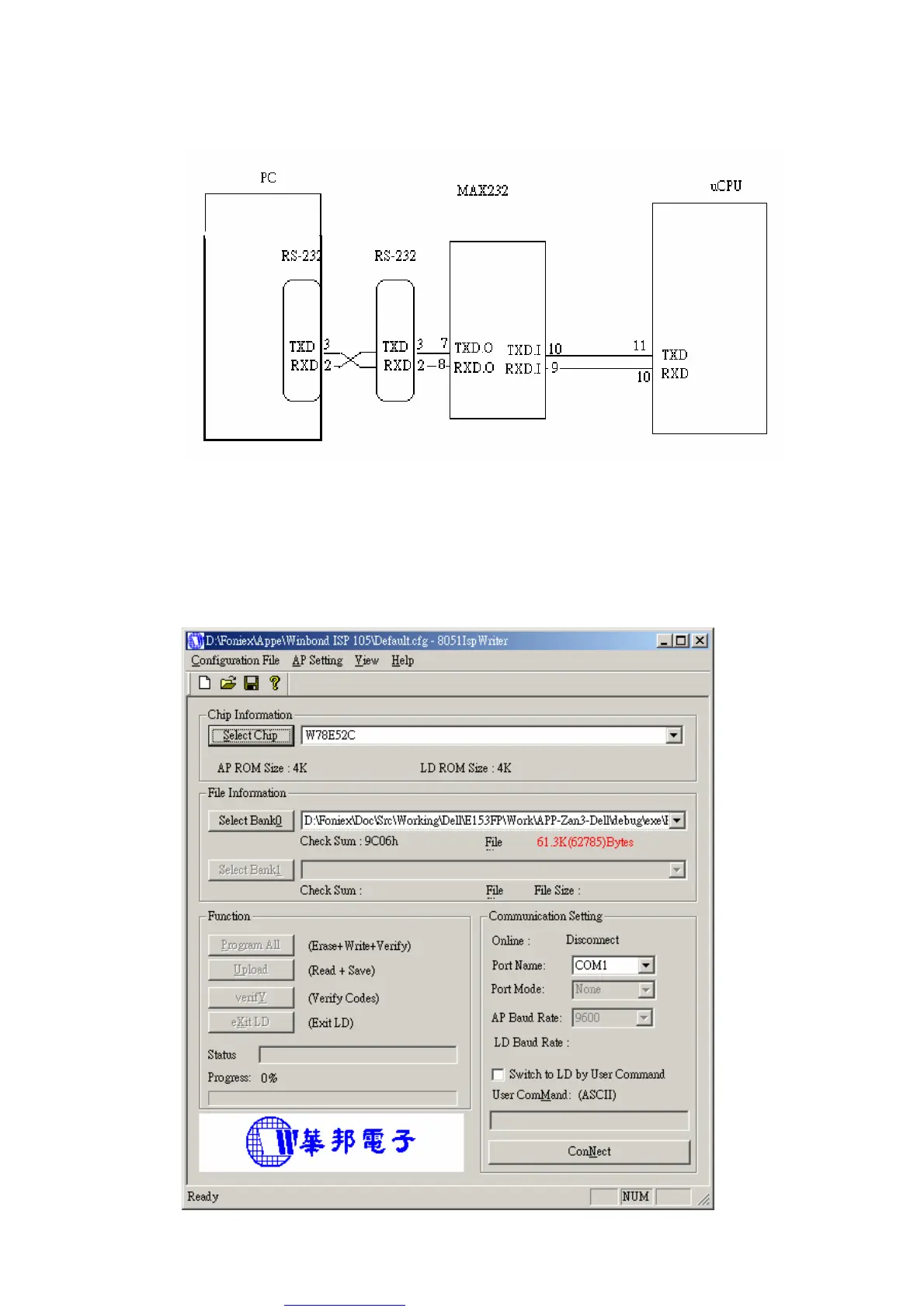
Connect RXD and TXD of PC to RXD (P3.0) and TXD (P3.1) of CPU through RS-232.
a. There are two ways to entering Reboot Mode. The settings for Reboot Mode is as follow:
☆Both P2.6、P2.7 are LOW and RESET pin is HI.
☆P4.3 is LOW and RESET pin is HI .
11.2. To Use ISP WRITER
Press the “–“ key at front bezel and plug the AC power cord in, then the MCU enter ISP mode;
a. You will enter the window as follow after executing the ispwriter.exe file.



 To Next Page