Great user manuals database on UserManuals.info
DELL E173FP Service Manual
5
2. LCD MONITOR DESCRIPTION
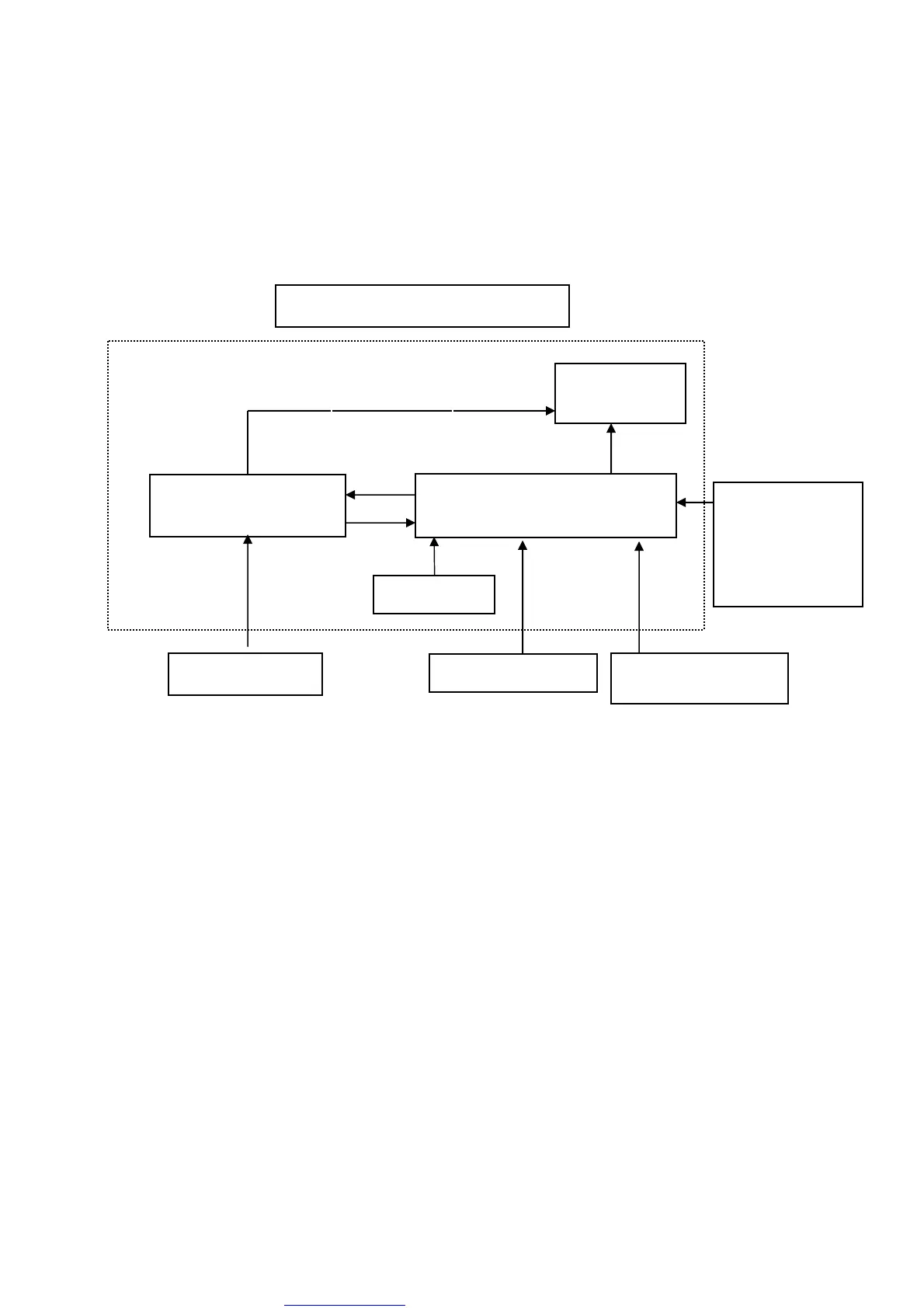
The LCD MONITOR will contain a main board, an internal inverter/power board, keypad board,
which house the flat panel control logic, brightness control logic and DDC.
The internal Inverter/power board will drive the backlight of panel and the DC-DC conversion.
and provides the 12V DC-power to main board.
Inverter/Power Board
Flat Panel and
CCFL backlight
Main Board
Keyboard
RS232 Connector
For white balance
adjustment in
factory mode
HOST Computer
CCFT Driver.
Video signal, DDC
Monitor Block Diagram
AC Power IN



 To Next Page