Great user manuals database on UserManuals.info
DELL E173FP Service Manual
42
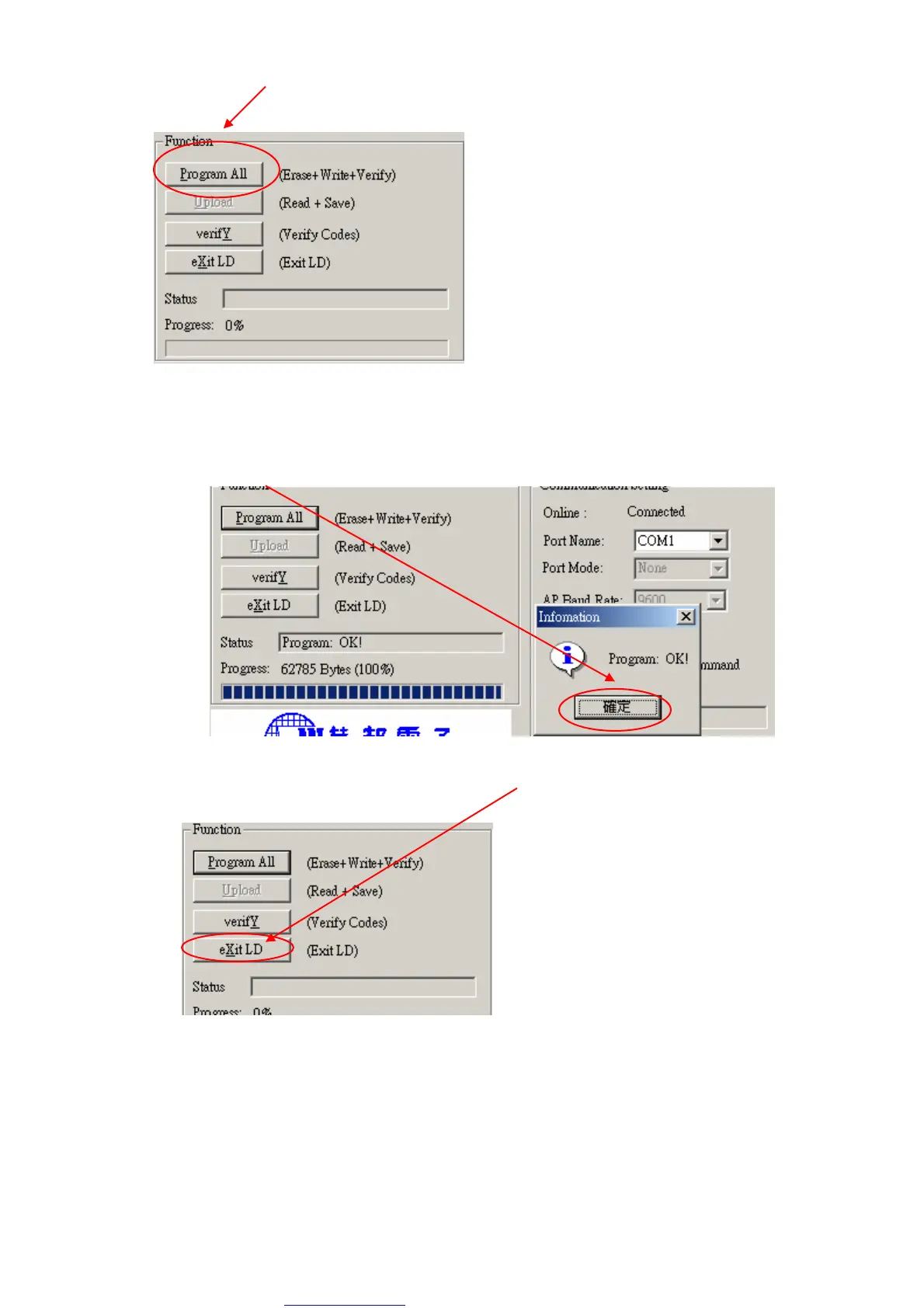
f. Click “Program all” to start programming.
11.3. Executing ISP
a. Click “Program All” button that will execute erase and program and verify. Then you can get the
window as follow, and click “OK” to complete ISP process.
b. Complete the ISP process, click “eXit LD” button to reset monitor.



 To Next Page