26 Setting Up the Monitor
Removing the Monitor Stand
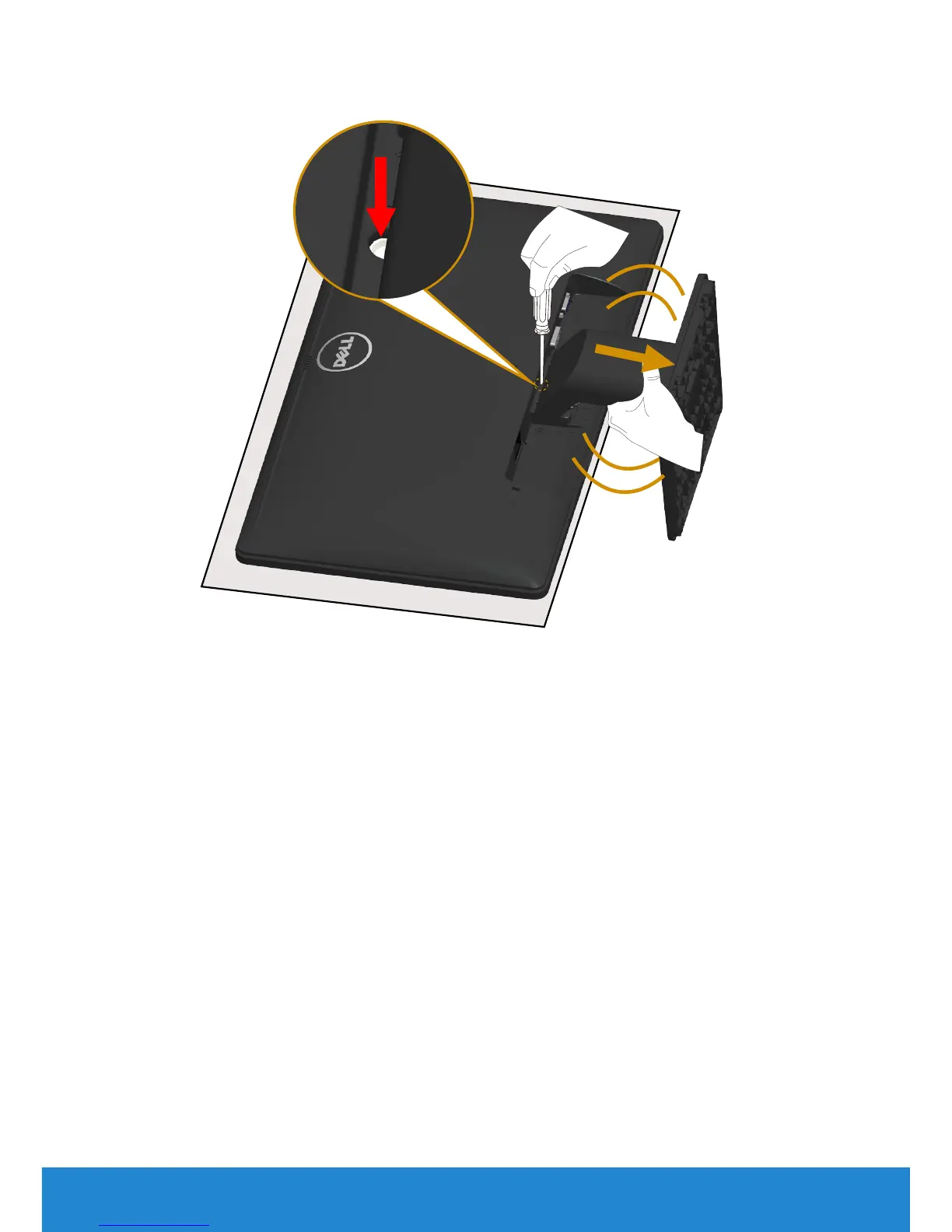
After placing the monitor panel on a soft cloth or cushion, complete the
following steps to remove the stand:
1. Use a long screwdriver to press and hold the release latch located in a
hole just above the stand.
2. While the release latch is pressed down, remove the stand from the
monitor slowly.



 To Next Page