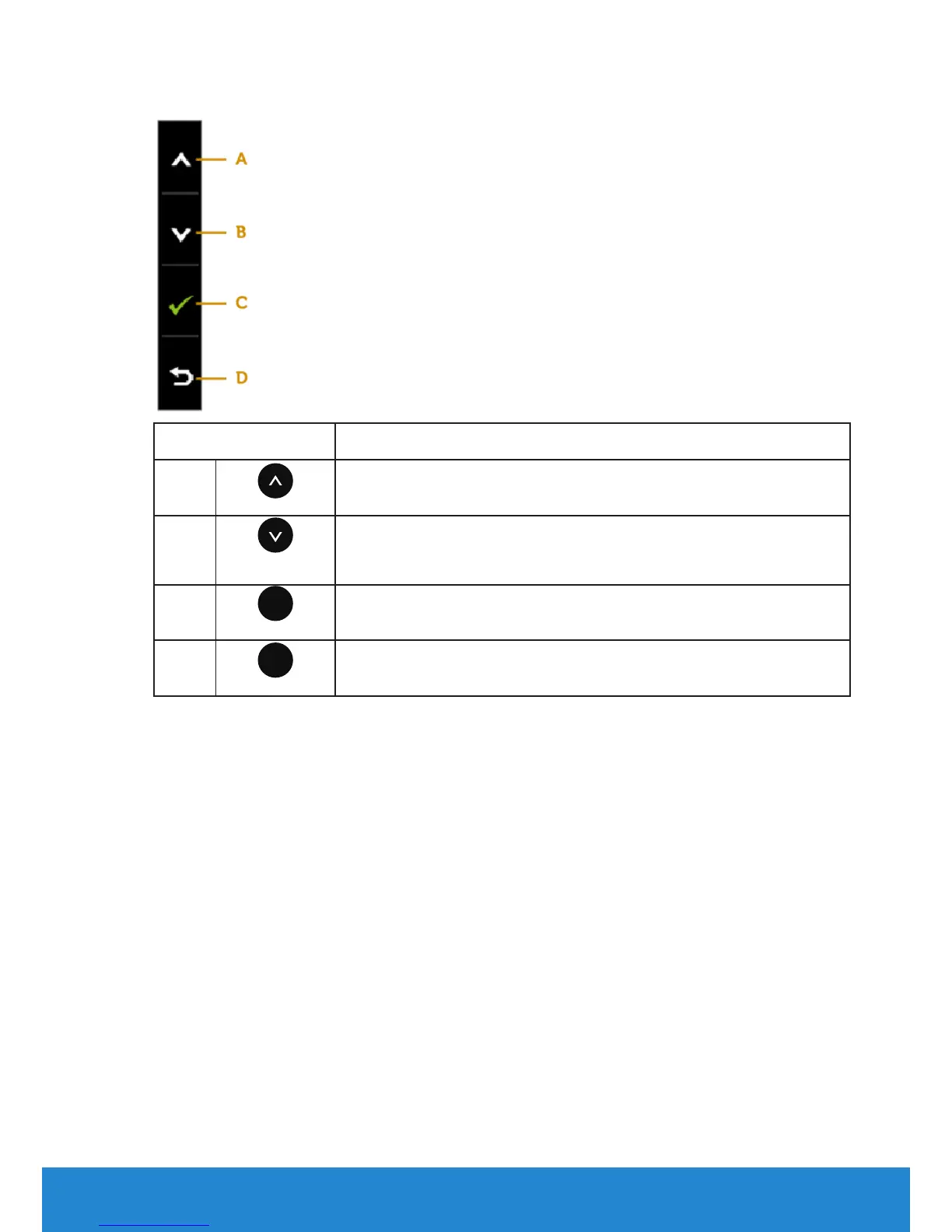
Front-Panel Keys
Front-Panel Keys Description
A
Up
Use the Up key to adjust (increase ranges) items in the OSD
menu.
B
Down
Use the Down key to adjust (decrease ranges) items in the
OSD menu.
C
�
OK
Use the OK key to confirm your selection.
D
�
Back
Use the Back key to go back to the previous menu.
Operating the Monitor 29



 To Next Page