Procedures for setting up dual monitors in Windows Vista® ,
Windows® 7 or Windows® 8 / Windows® 8.1
For Windows Vista®
Connect the external monitor(s) to your laptop or desktop using a video
cable (VGA, DVI, DP, HDMI etc.) and follow any of the below setup
method.
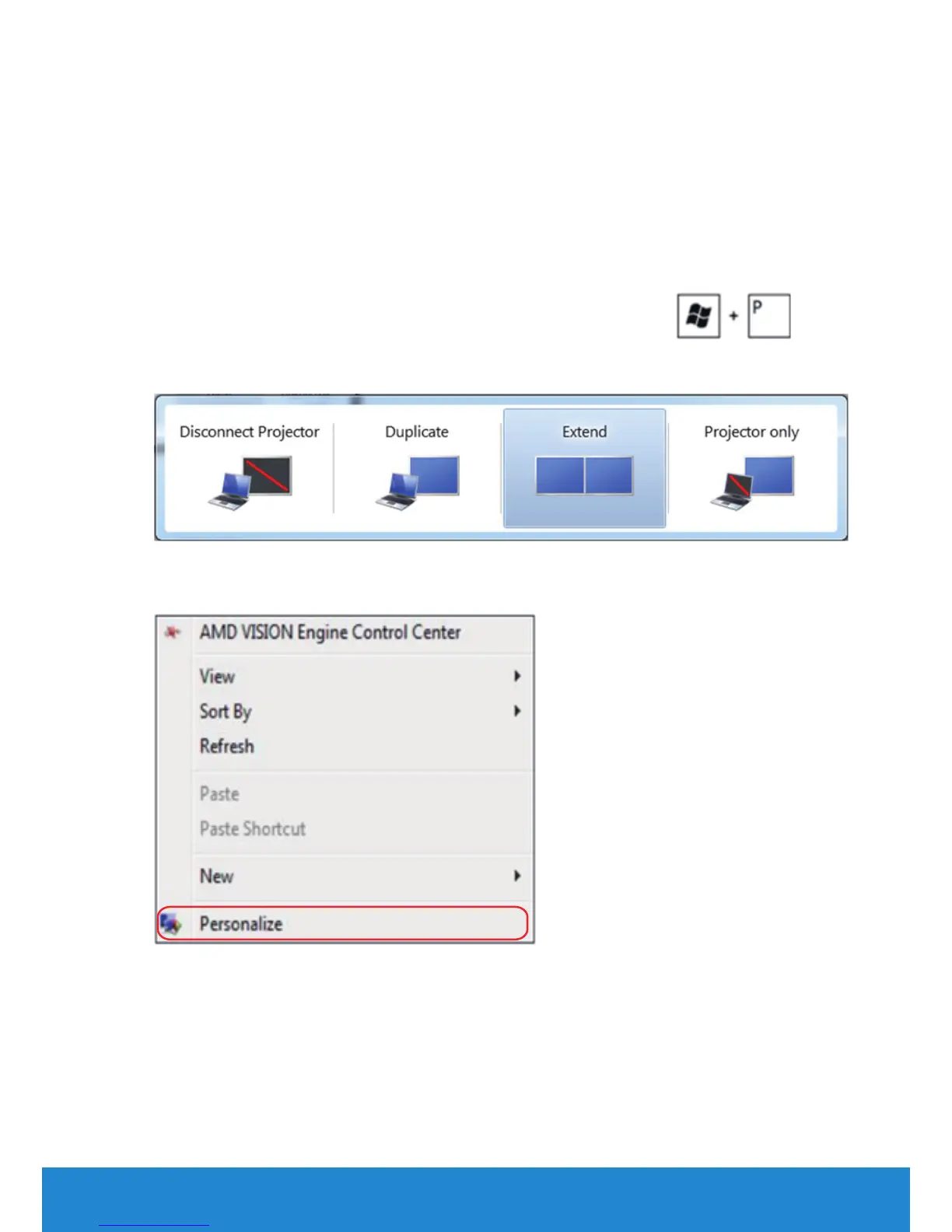
Method 1: Using keyboard shortcut “Win+P”
1. Press the Windows logo key + P on your keyboard.
2. While holding down the Windows logo key, press P to toggle between
the display selections.
Method 2: Using the “Personalize” menu
1. Right-click on the desktop and click Personalize.
Setting Up Your Monitor 61



 To Next Page