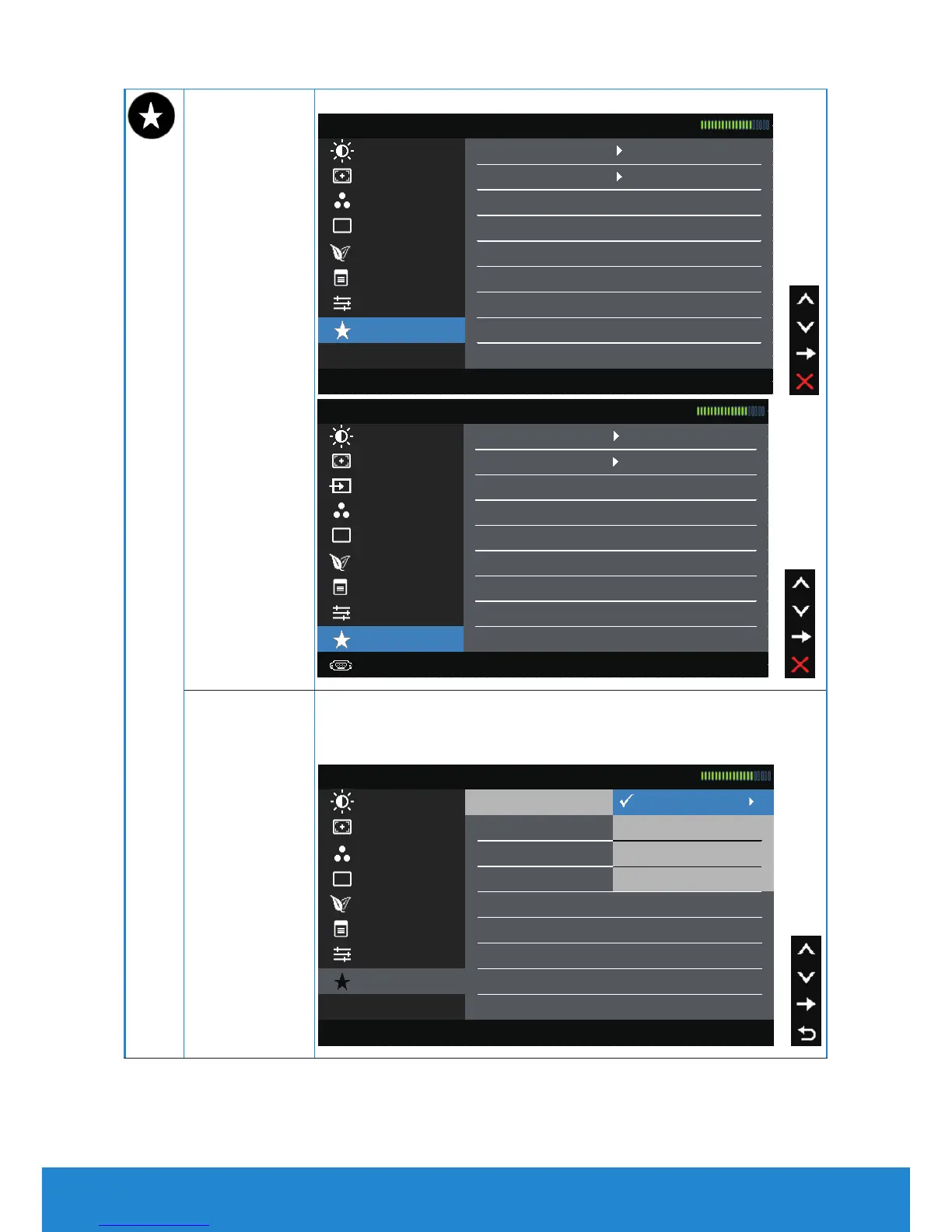
Personalize Selecting this option allows you to set two shortcut keys.
Brightness / Contrast Shortcut Key 1 Preset Modes
Dell E1914H Energy Use
Color Settings Reset Personalization
Auto Adjust Shortcut Key 2 Brightness / Contrast
Display Settings
Personalize
Other Settings
Energy Settings
Menu Settings
Resolution: 1024x768, 60Hz Maximum Resolution: 1366x768, 60Hz
Brightness / Contrast Shortcut Key 1 Preset Modes
Dell E2014H Energy Use
Color Settings
Reset Personalization
Auto Adjust Shortcut Key 2 Brightness / Contrast
Display Settings
Input Source
Menu Settings
Energy Settings
Other Settings
Personalize
Resolution: 1024x768, 60Hz Maximum Resolution: 1600x900, 60Hz
Shortcut Key 1
User can select from "Preset Modes", "Brightness/Contrast",
"Auto Adjust", "Input Source" (for E2014H only), "Aspect
Ratio" and set as shortcut key.
Dell E1914H Energy Use
Color Settings Reset Personalization
Shortcut Key 2 Brightness / Contrast Auto Adjust
Shortcut Key 1 Preset Modes
Display Settings
Auto Adjust
Energy Settings
Other Settings
Personalize
Menu Settings
Brightness / Contrast
Aspect Raito
Resolution: 1024x768, 60Hz Maximum Resolution: 1366x768, 60Hz
42 Operating the Monitor



 To Next Page