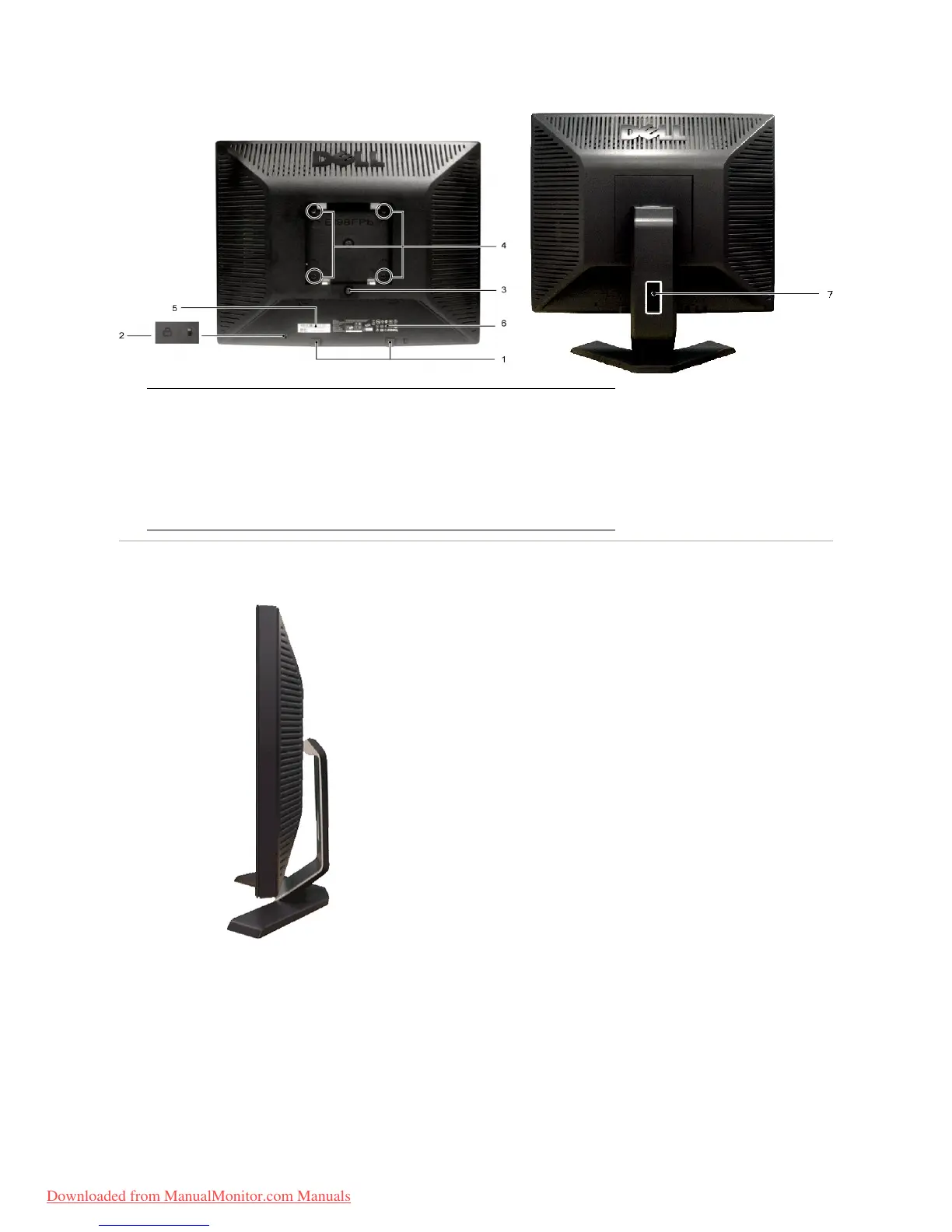
Side View
Rightside
Dell Soundbar mounting brackets
Attach the optional Dell Soundbar.
Attach a lock to secure your monitor.
Press to release the stand.
VESA mounting holes (100mm - behind
attached stand)
Barcode serial number label
Refer to this label if you need to contact Dell for
technical support.
List the regulatory approvals.
Help organize cables by passing them through the
holders.
Downloaded from ManualMonitor.com Manuals



 To Next Page