Troubleshooting │ 15
Troubleshooting
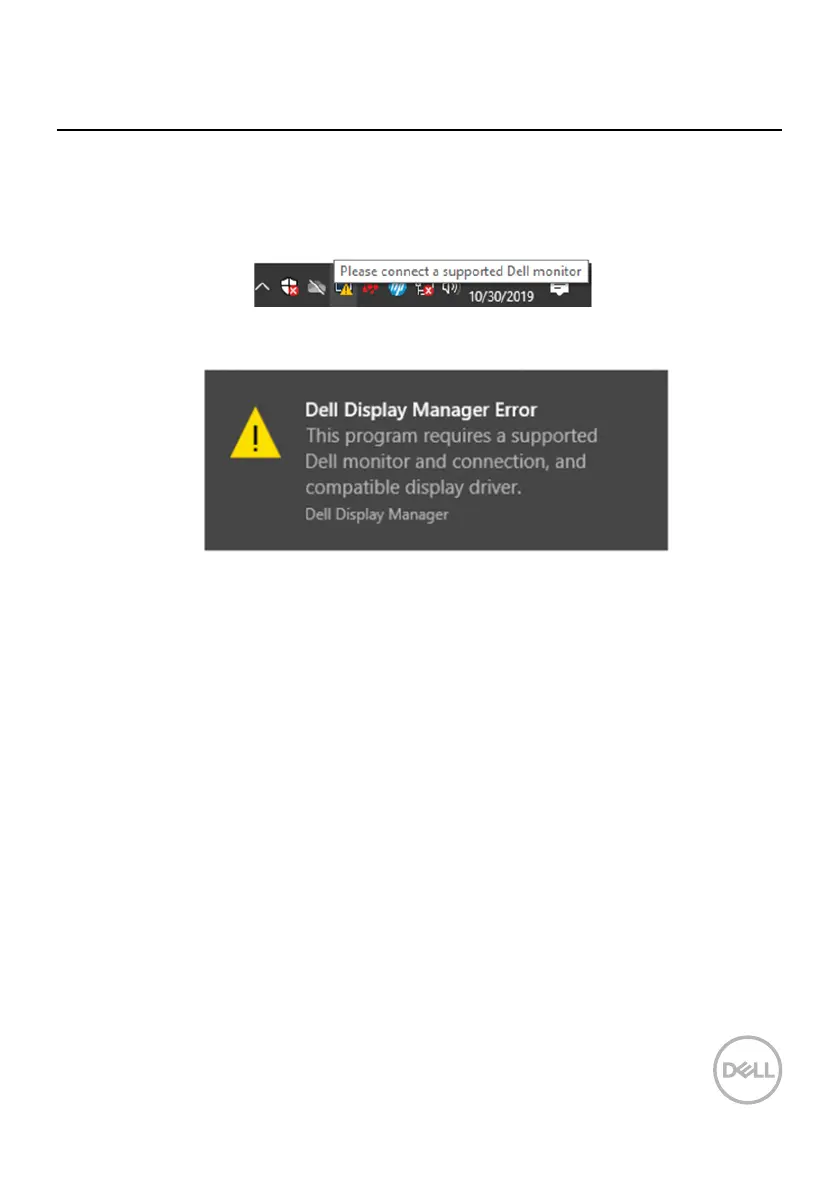
If DDM does not work with your monitor, DDM will show below icon in your
notication tray.
Please note that DDM only works with Dell branded monitors. If you are using
monitors from other manufacturers, DDM does not support them.
If DDM is unable to detect and/or communicate with a supported Dell monitor,
please take below actions to troubleshoot:
Make sure the video cable is properly connected between your monitor and
your computer. Ensure the connectors are rmly inserted into position.
Check the monitor OSD to ensure DDC/CI is enabled.
Make sure you have the right graphics card driver from the vendor (Intel,
AMD, NVIDIA, etc.). Graphics driver is often the cause of DDM failure.
Remove any docking stations, cable extenders, and converters between the
monitor and the graphics port. Some low-cost extenders, hubs or converters
may not support DDC/CI properly and can fail DDM. Update the driver of such
device if the latest version is available.
Restart your computer.
Click on the icon, DDM shows a more detailed error message.
1.
2.
3.
4.
5.



 To Next Page