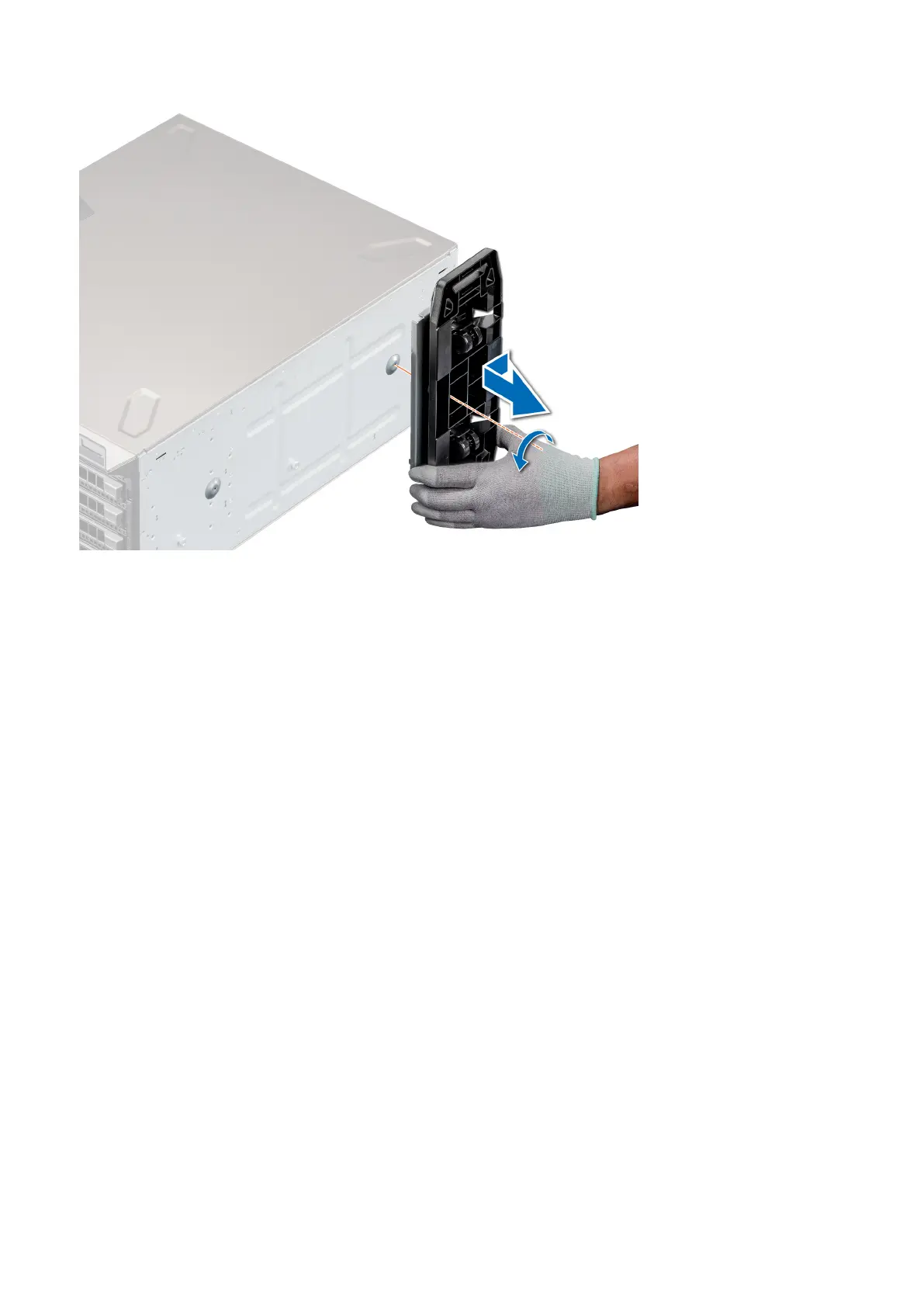
Next steps
1. Replace the caster wheels or replace the system feet, as applicable.
Installing caster wheels
Prerequisites
1. Follow the safety guidelines listed in Safety instructions.
2. Place the system on its side on a flat, stable surface.
3. If installed, remove the system feet.
Steps
1. Align the two retention hooks on the rear wheel unit with the two slots on the base of the system, and insert the hooks into the slots.
2. Push the rear wheel unit toward the back of the system and using a Phillips #2 screwdriver secure the unit in place using a single
screw.
3. Align the two retention hooks on the front wheel unit with the two slots on the base of the system, and insert the hooks into the slots.
4. Push the front wheel unit toward the front of the system and using a Phillips #2 screwdriver secure the unit in place using a single
screw.
Installing and removing system components
45











 To Next Page