24xxx | Removal from the Rackxxx
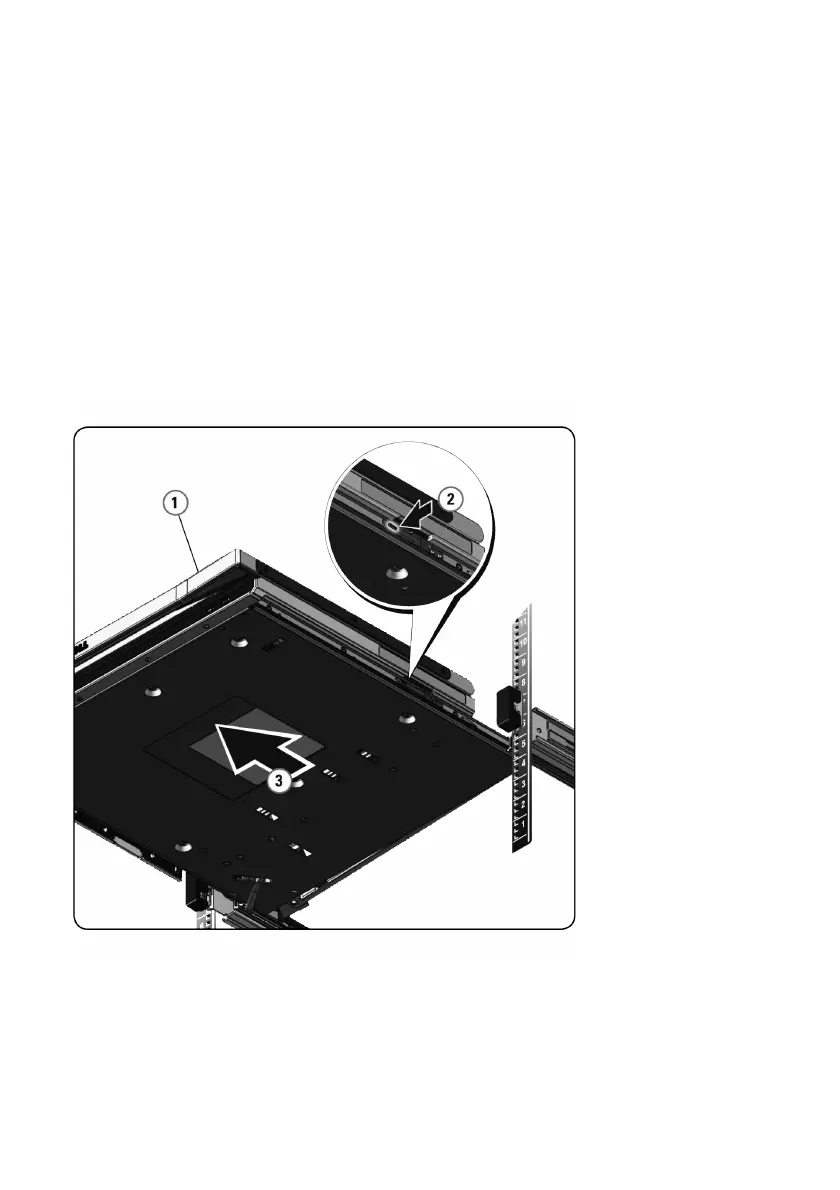
To remove the console tray from the rack:
1 From the back of the rack, unscrew the captive screw from the Cable
Management Arm (CMA) to remove it from the rail.
2 Pull the console tray out until the slide rails are in a fully extended position.
3 Press the blue tabs on each side of the console tray.
4 While pressing the tabs in Step 2, slide the console tray out of the rack.
Figure 4.1. Removing the Console Tray From the Rack



 To Next Page